HOW TO EDIT GROUP INFORMATION
In this tutorial, you will learn how to edit your group's information in TYC if you are the group or company administrator.

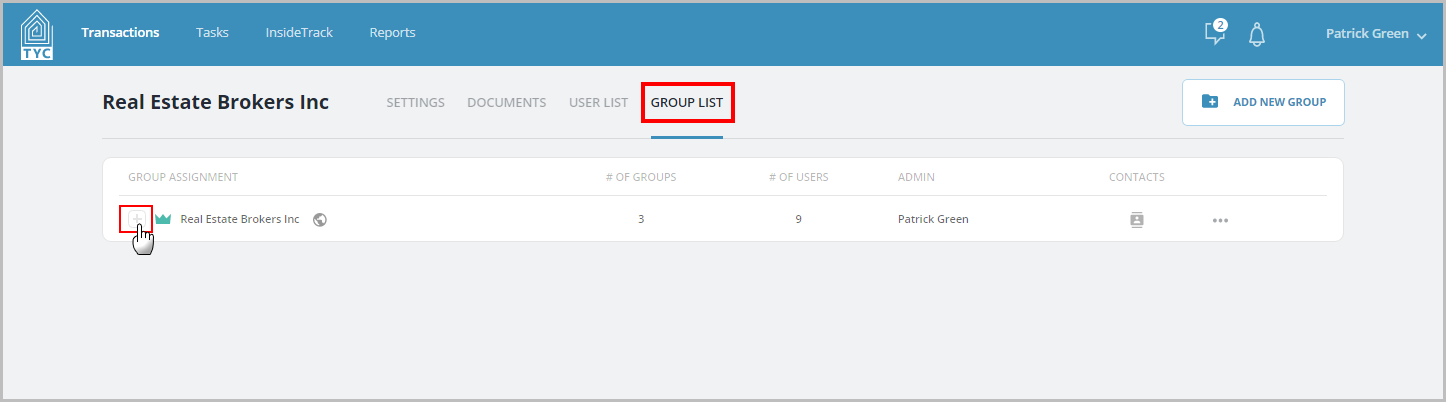
Under "Group List", click the plus button to expand the groups.
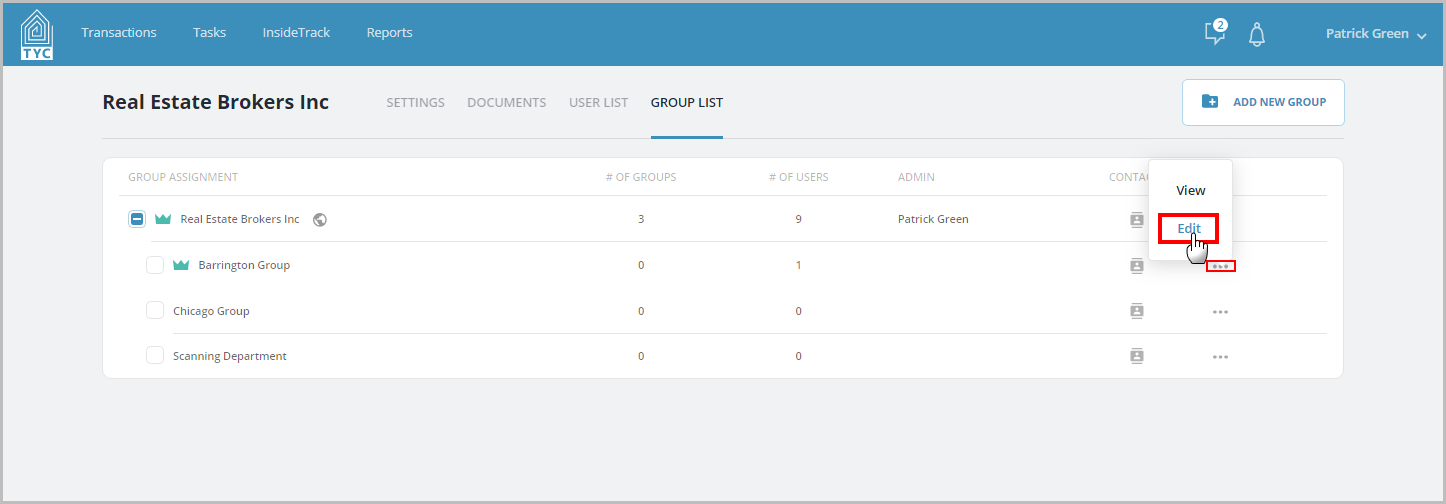
Then click "edit" next to the group you wish to edit the information for:
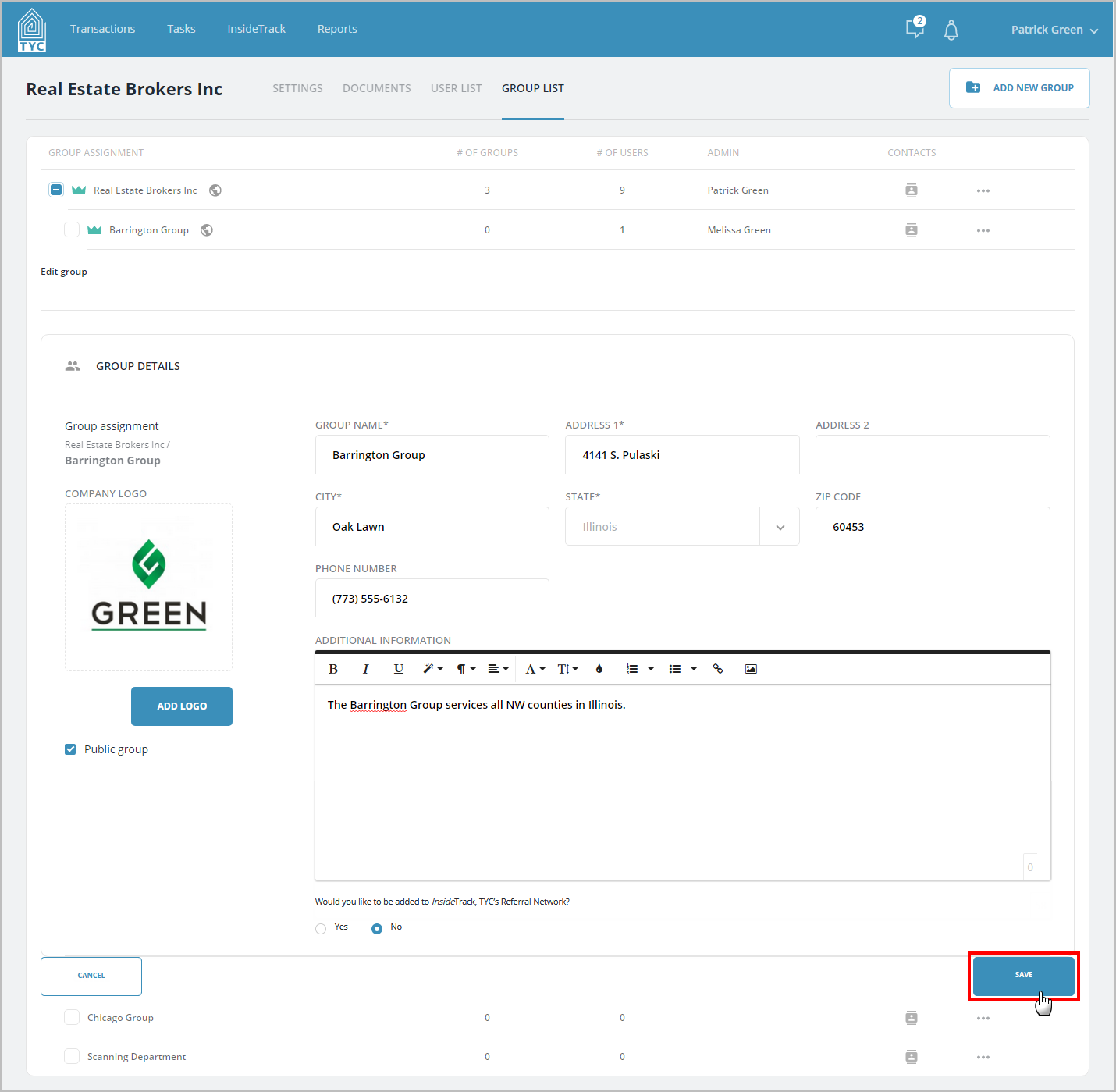
Make sure the group information is accurate, such as the visibility of the group (private/public), the address, phone number, bio section, and group logo.
A Private Group means that the users within the private group and company can all see the same transactions in TYC. It also means the private group is not searchable throughout TYC such as in the participants section, messages section, nor in InsideTrack.
A Public Group means that the public group is searchable in TYC such as in the participants section, messages section, and in InsideTrack. It also means that transactions made by users within the public group cannot see transactions made by other public groups within the company, and that users in private groups or at the company level cannot see these transactions either.
When done making your changes, click Save:
0 Comments