How to View/Copy My Trusted Network Link
In this tutorial, you will learn how to view/copy your unique Trusted Network link to share with others.
On the homepage, click your name in the upper corner and choose "My Account" from the menu:
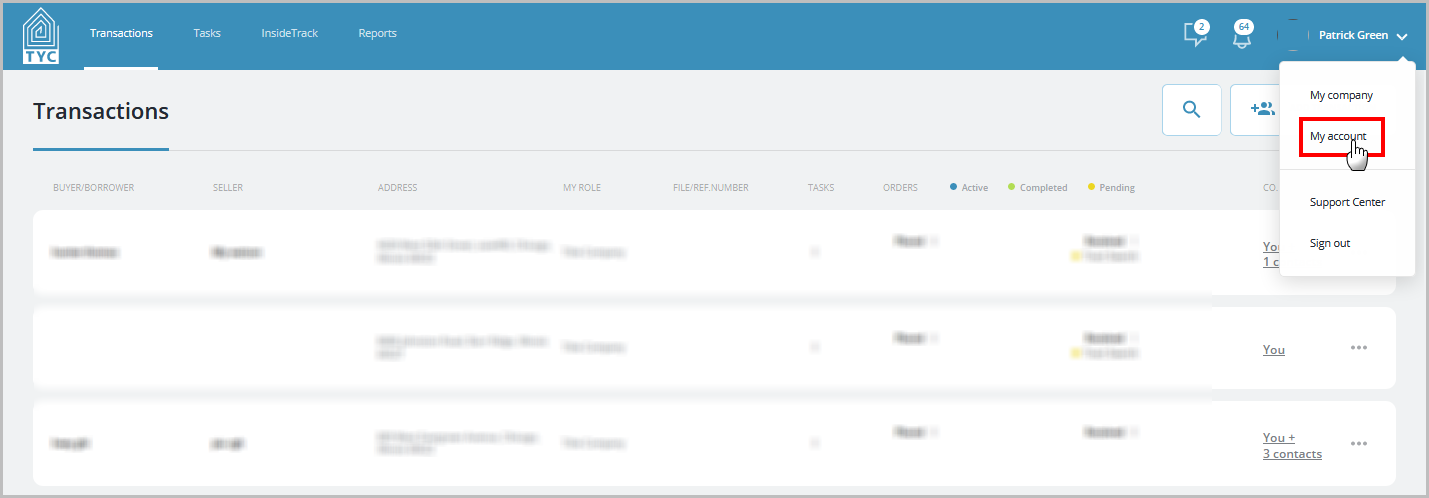
Next, scroll down to the section on the left under My TYC Page Link. Click "Copy" to copy the link:

It will be copied to your device's clipboard and you can paste it where desired.
0 Comments