HOW TO VIEW WIRE INFORMATION AS A PROFESSIONAL USER
In this tutorial, you will learn how to view wire information as a professional user in TYC.
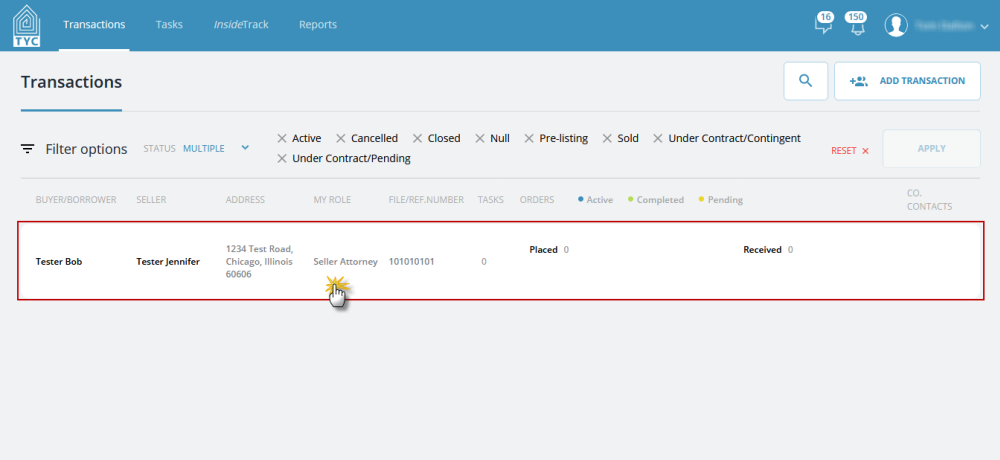
When you sign in, click on a transaction:
Next, you will see a designated tile for Wire Information, highlighted below:
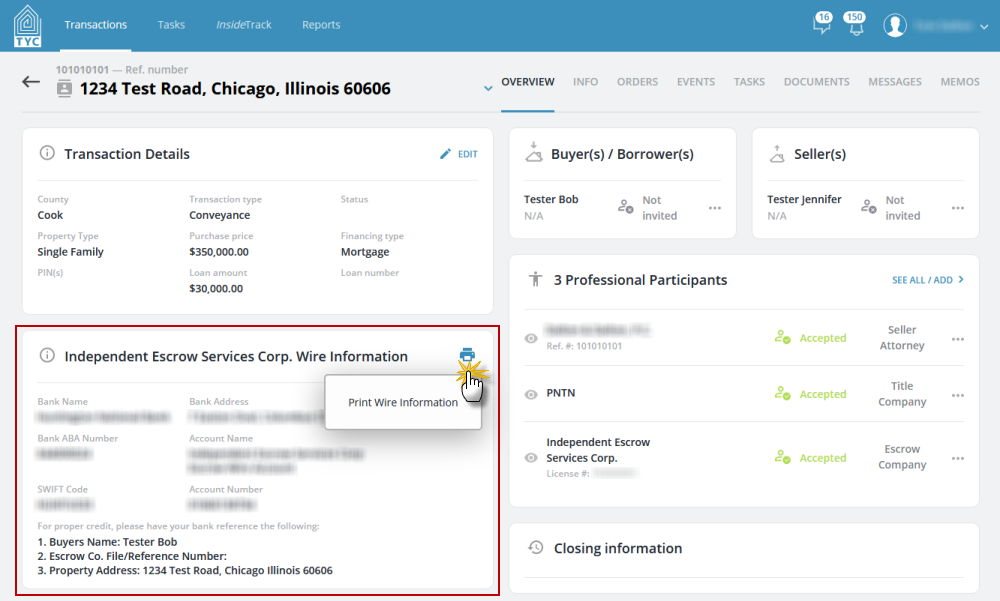
By clicking the printer icon in the top right of the tile, you will download and/or view a printable PDF version of the wire instructions, depending on your browser's settings.
0 Comments