LEAVE A REVIEW FOR A SERVICE PROVIDER
In this tutorial, you will learn how to search for a Service Provider and optionally leave a review for them.
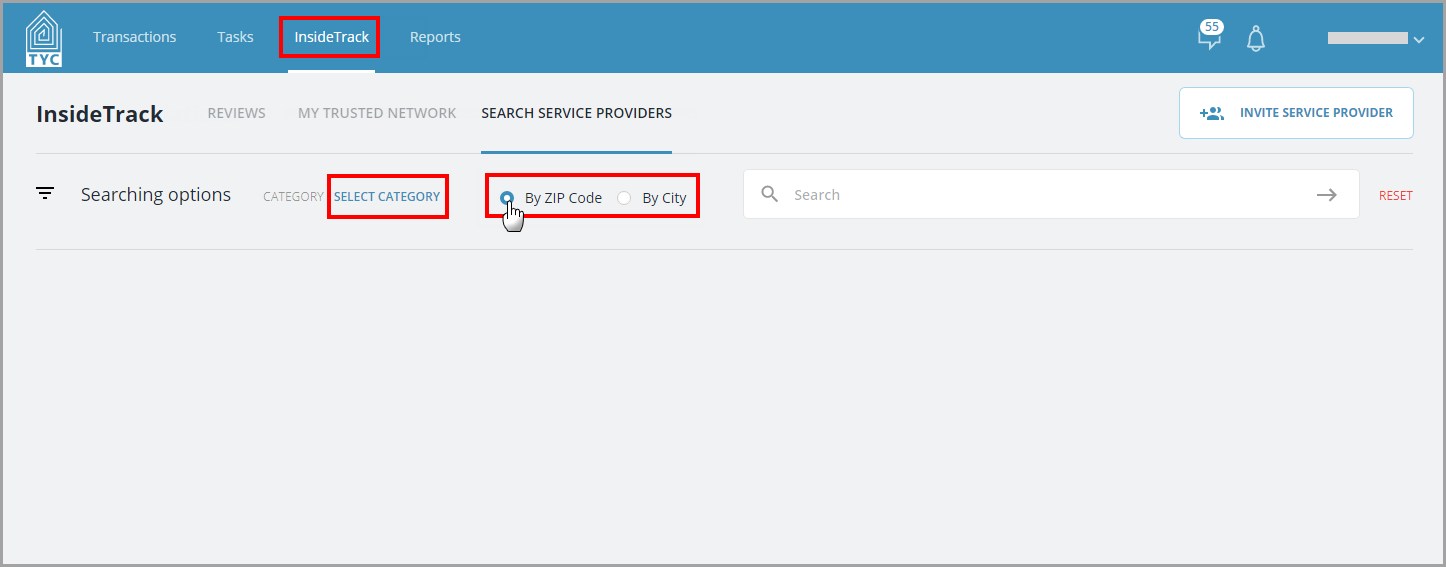
In the InsideTrack tab, you will search for a provider to leave a review for. Then, choose a category, and make a selection to search by zip code or city:
Now enter the zip code or city in the search box and click the arrow to submit your query:
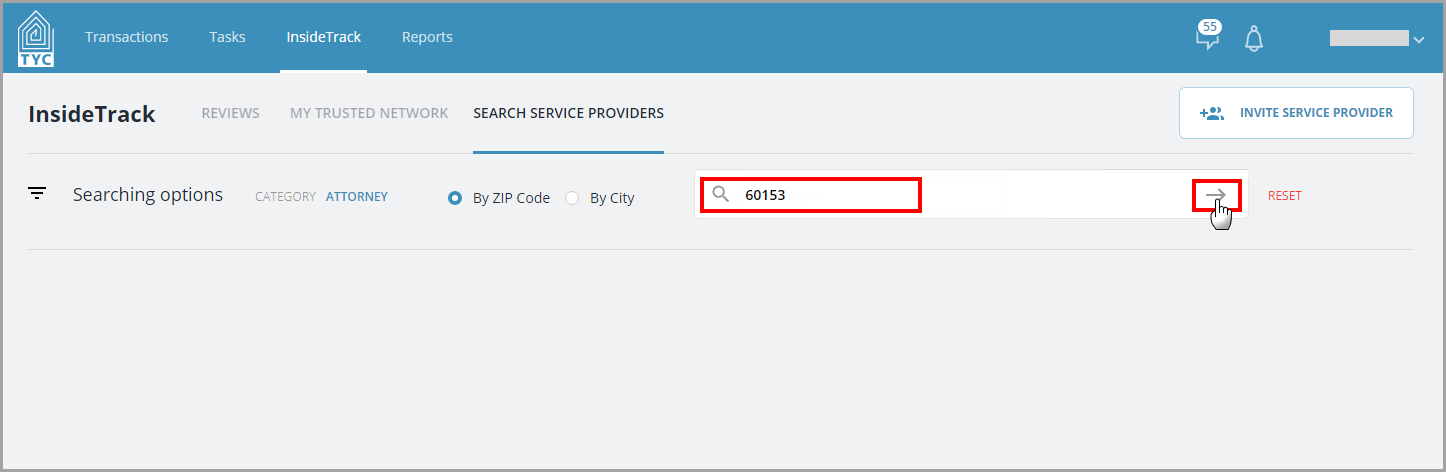
(If the company you are searching for does not have an account with TYC/show up in the results, you may Invite them as a New Service Provider.)
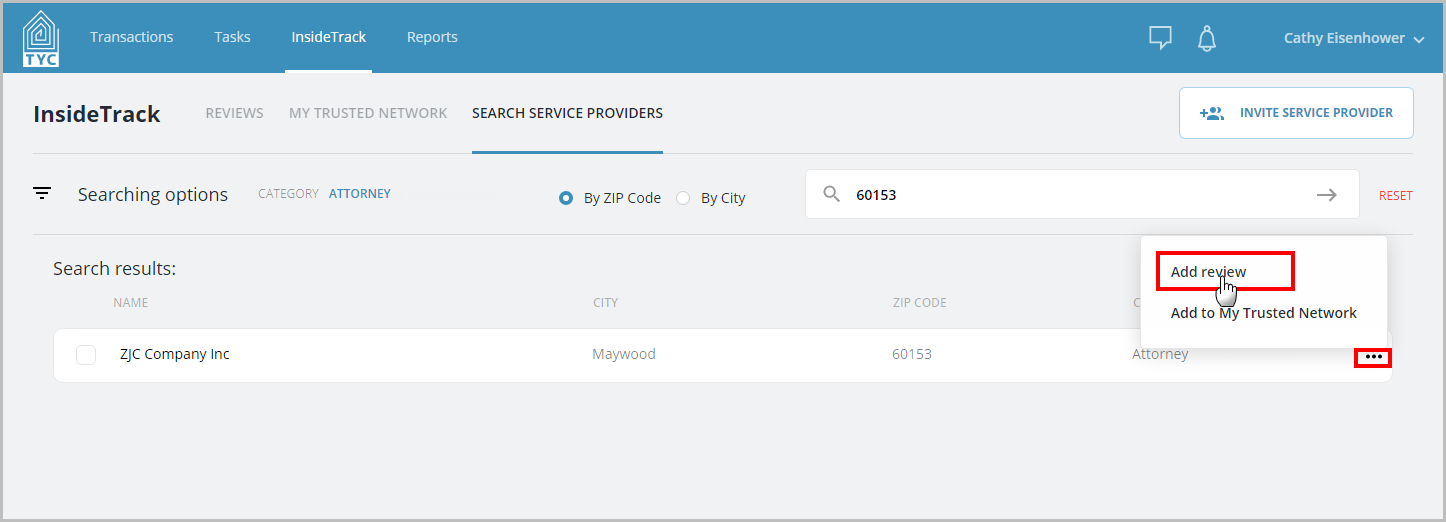
In the search results, choose the three dot menu  next to the appropriate company and click "Add review" in the menu:
Next, fill out your review and click "Add Review":

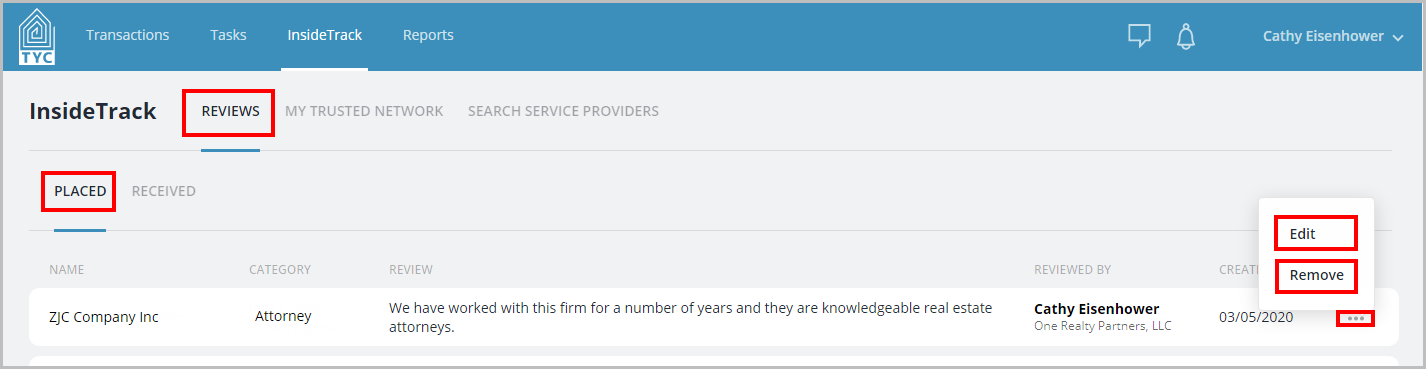
Next, your review will appear for the user, group, or company, and will be shown under the Reviews > Placed tab. You can further Edit or Deactivate this review if you wish:
0 Comments