HOW TO VIEW THE HISTORY FOR A TASK WORKFLOW
In this tutorial, you will learn how to view the history for a workflow within a transaction. History items may include the date and time stamp for: when the workflow was added, and when a task was added or removed from the workflow.
First, select a transaction from your Transactions list:

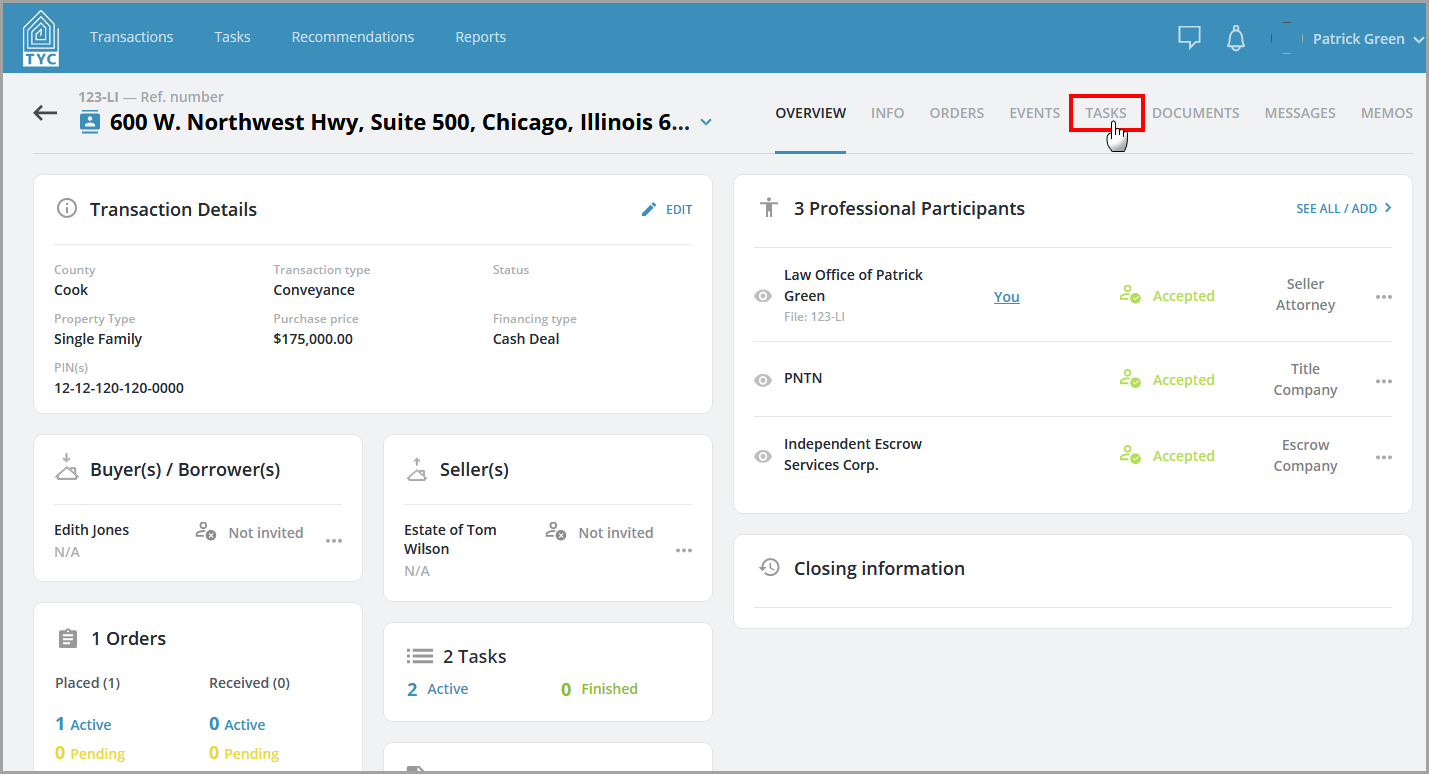
Next, choose the "Tasks" tab:
Next, click the three dot menu  next to the workflow and select "History" in the menu:

You will then be brought to the history for the chosen workflow:

0 Comments