In this tutorial, you will learn how to View the Activity Log for a Transaction. The Activity Log will include additions/removals to the following items under your purview; Transaction Details, Participants, Orders, Closing Events, Tasks, Workflows, Documents, Templates.
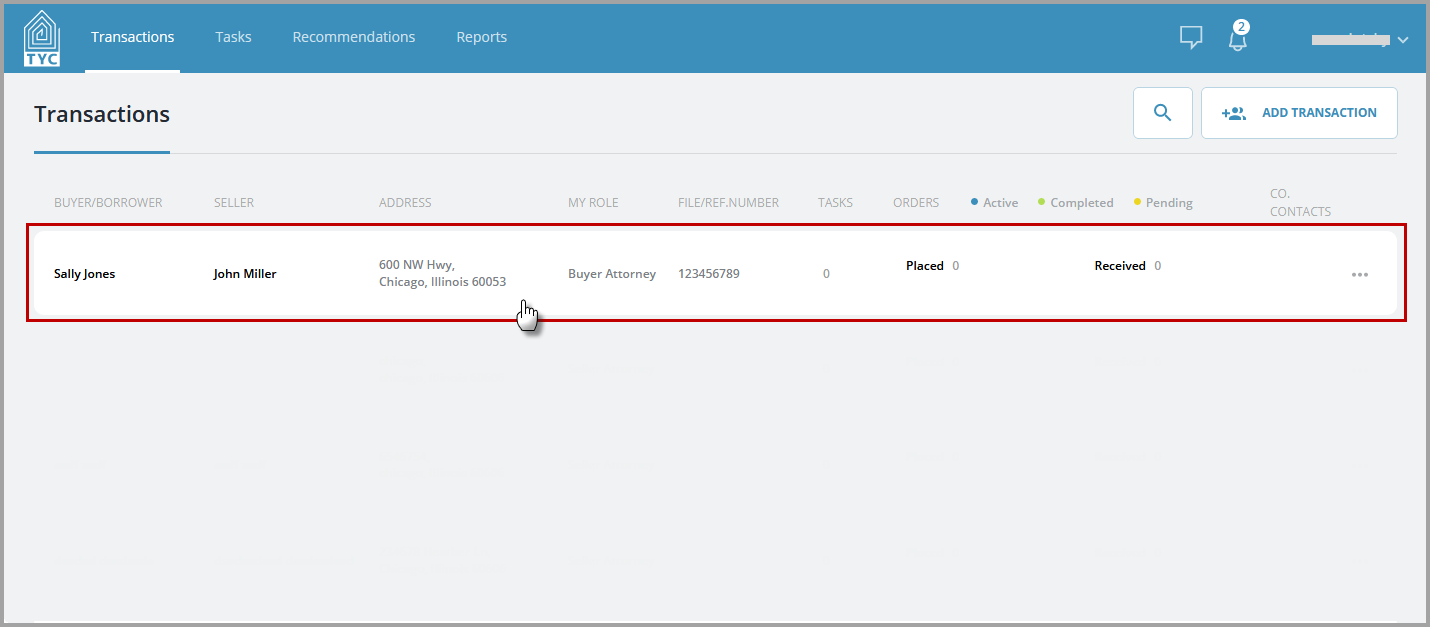
First, select a transaction from the transactions list:
Next, navigate to the Activity Log tile and click "View all Activity":

A slider will open up with a full view of all transaction activity that has occurred in reverse chronological order. If there are many items, the list will be scrollable. You may click "Close" to close out the slider and return to the Overview:

0 Comments