How to Add a Company Workflow
In this tutorial, you will learn how to add a company workflow as a company administrator.
A workflow is a group of company tasks which can be added to any of your transactions by company users. They are helpful so your company can keep track of their tasks.
First, click your name in the upper right corner and select "My Company":

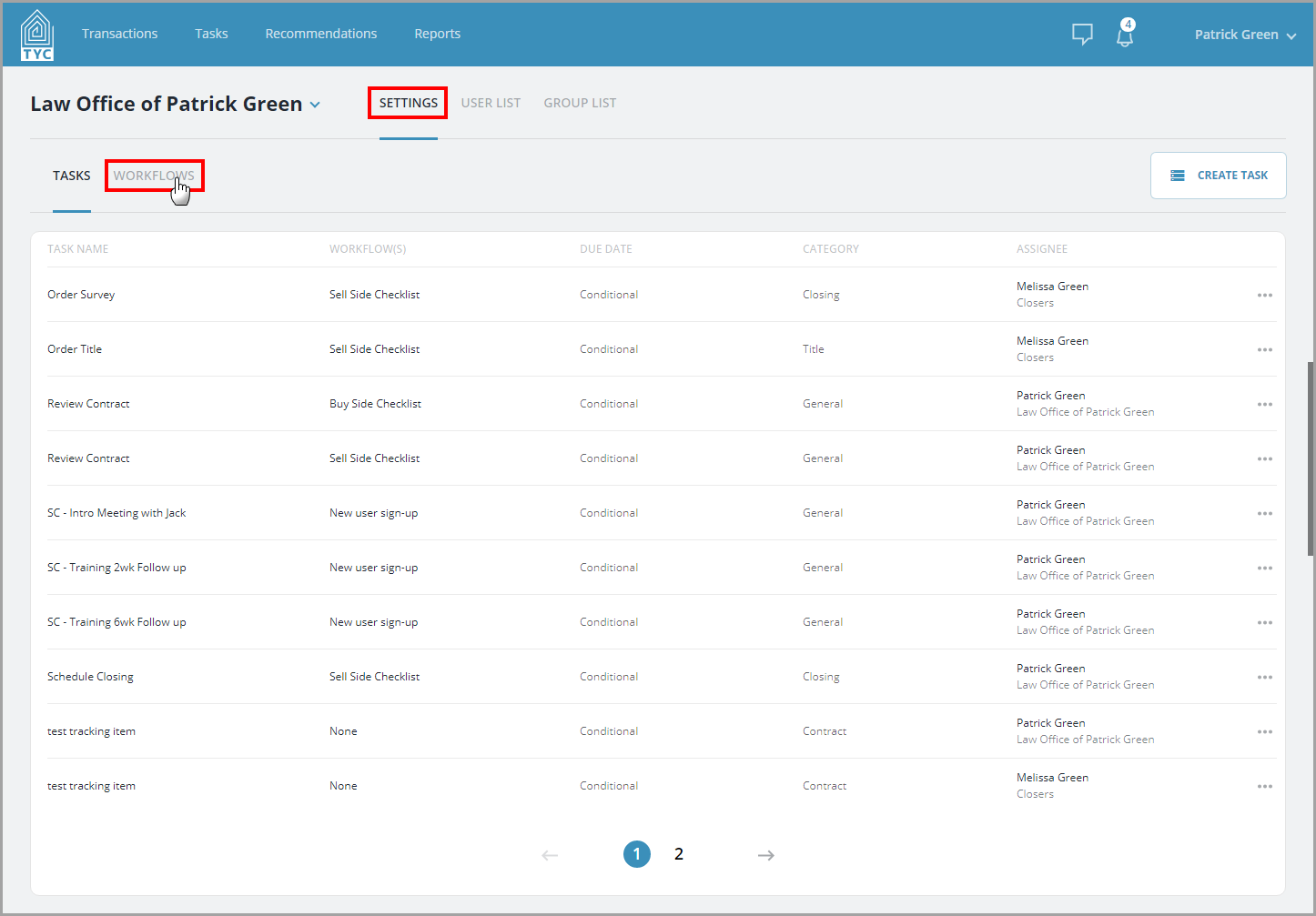
Next, click "Settings" and then click the "Workflows" tab:
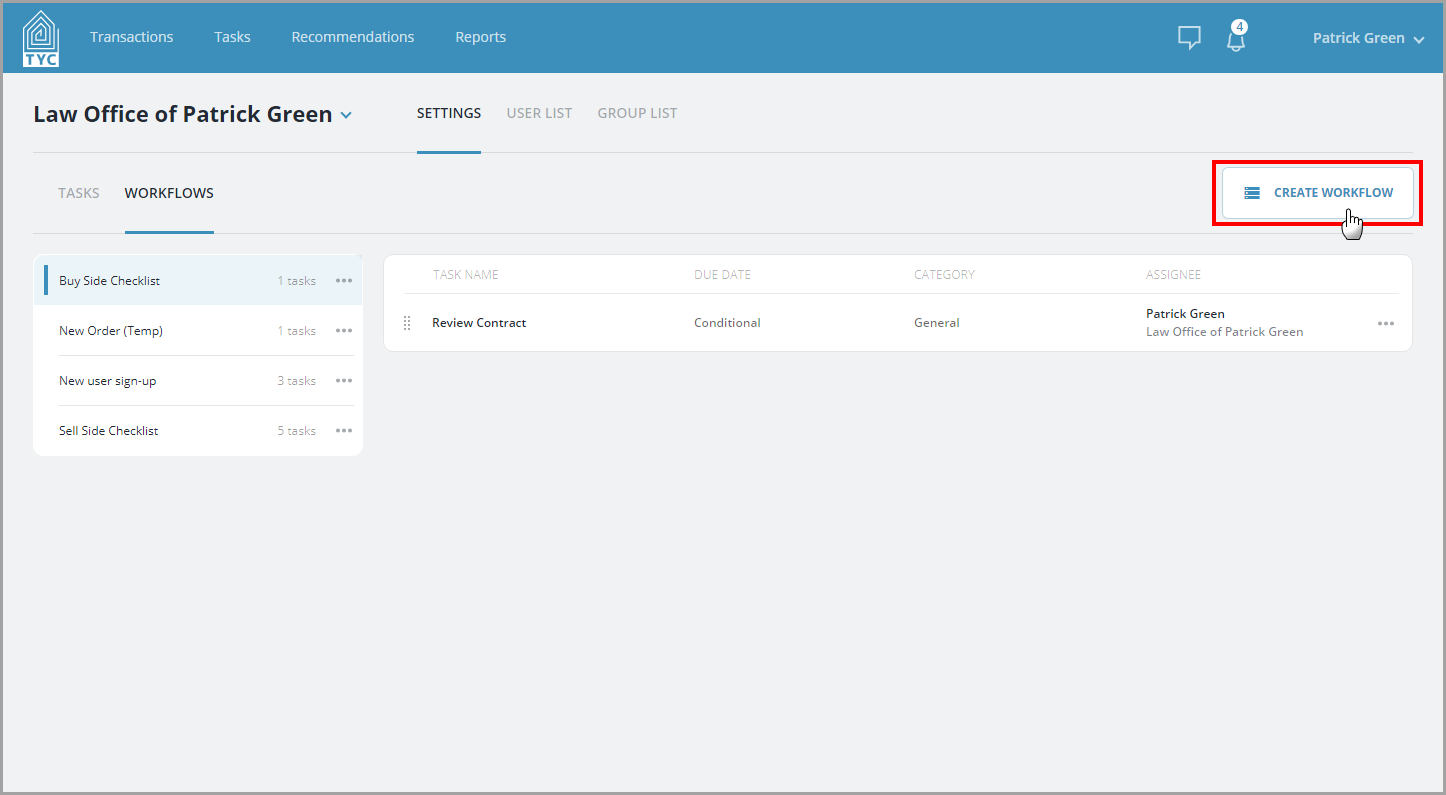
Click the "Create Workflow" button:
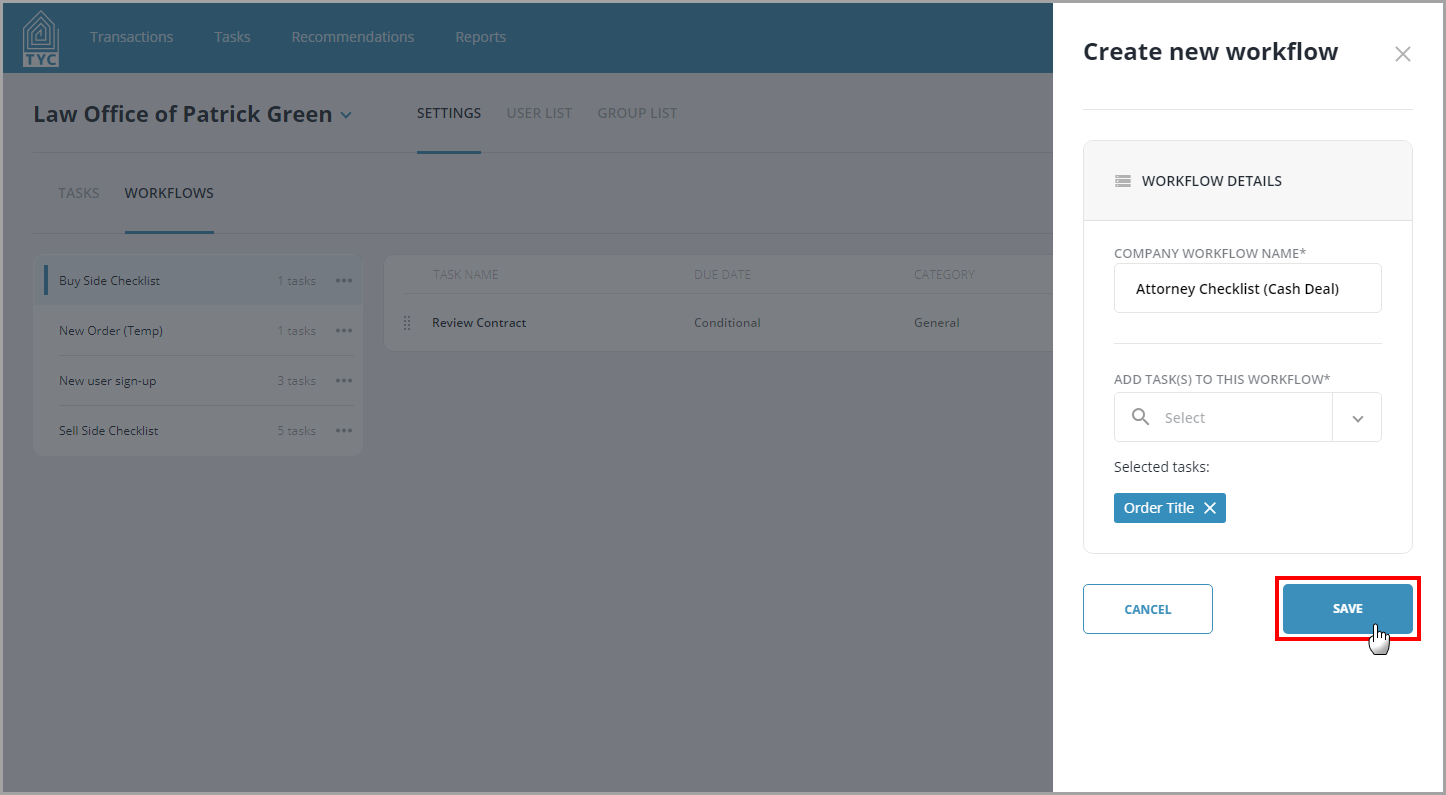
Fill out the name of your new company workflow, and select any appropriate tasks you'd like within your new workflow. Then click "Save". (Note, you cannot create an empty workflow, so you will need to choose at least one task on this page to add to your new workflow):
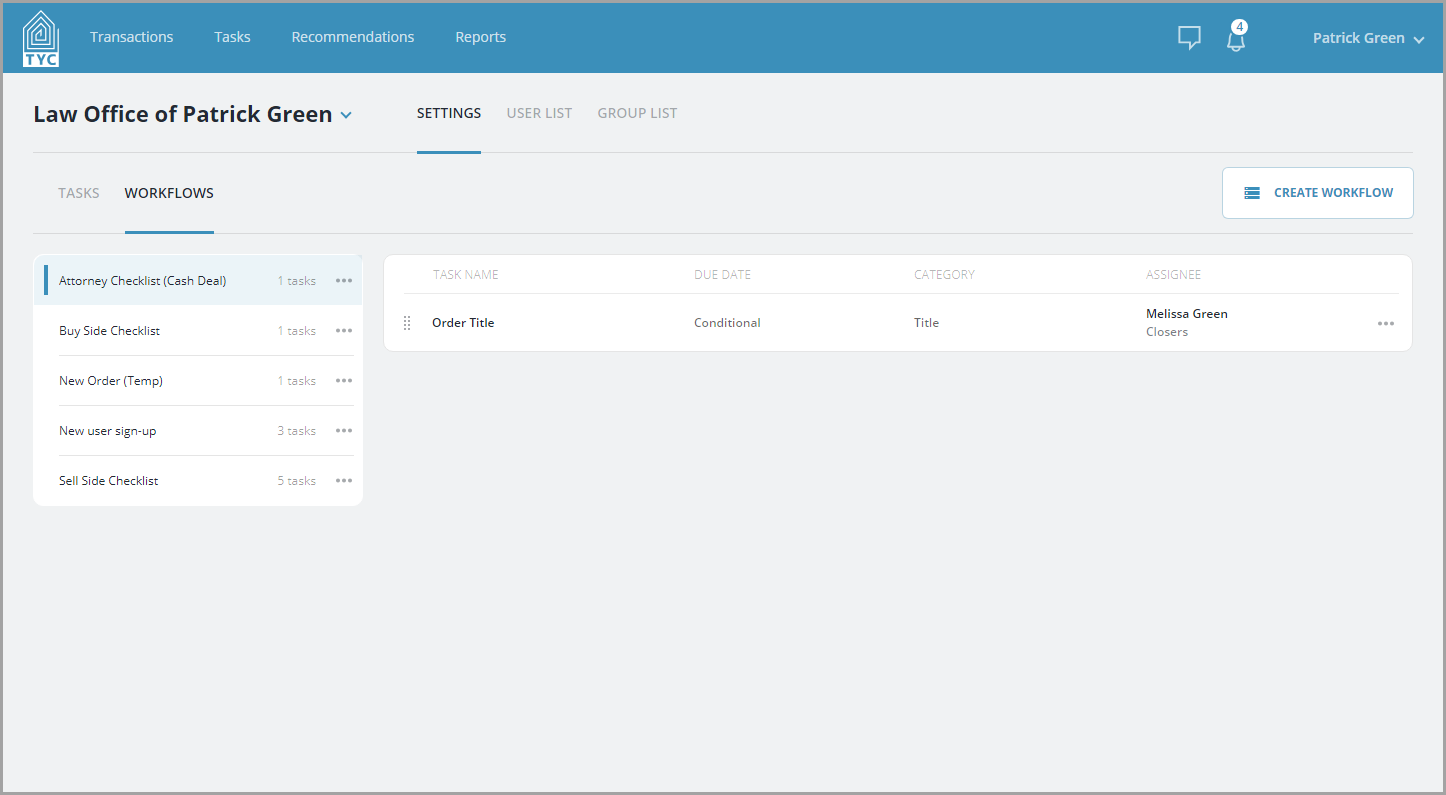
Then, your new workflow will be shown in the Workflows tab:
0 Comments