In this article you will learn how to View Contacts for your transaction participant and for other participants.
Viewing Contacts allows you to see your company's and other company's contacts for a given transaction. This will allow you to see other participants' individual user contact information.
Within the three dot menu  next to your participant name, click "View Contacts":
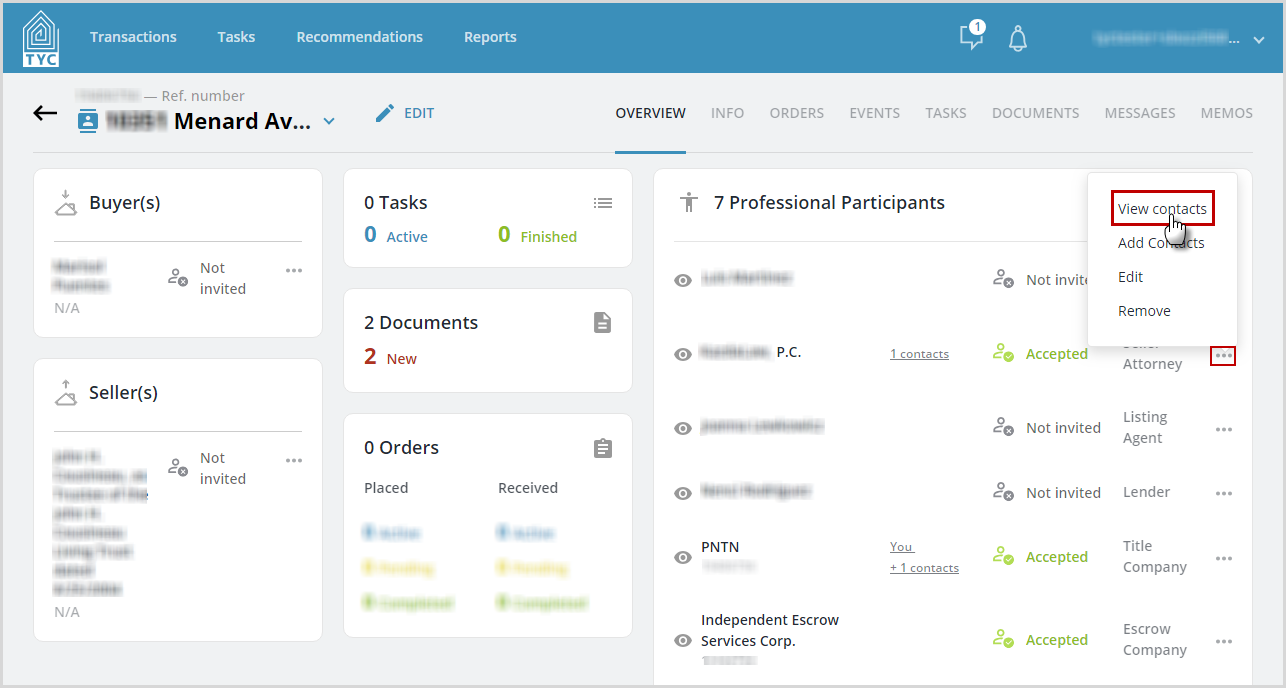
Then, a list will appear with anyone that has been added as a Contact for that participant.

0 Comments