HOW TO MERGE MULTIPLE DOCUMENTS
In this tutorial, you will learn how to merge multiple documents into one document in TYC. The following document file types supported by the merge feature: .gif, .jpeg, .jpg, .pjpeg, .png, .x-png, .tiff, .tif, .bmp, .pdf, .doc, .docx, .txt.
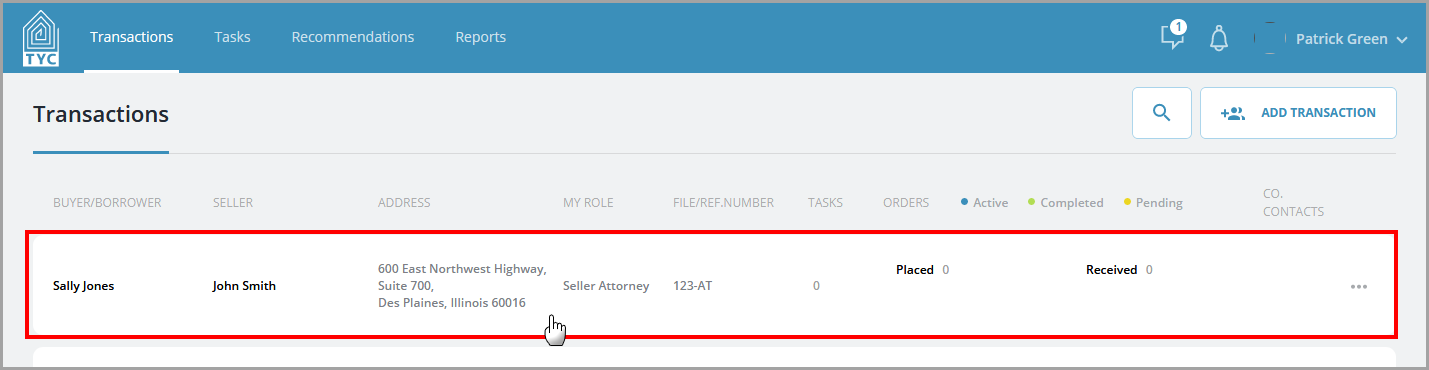
On the home page, select a transaction:
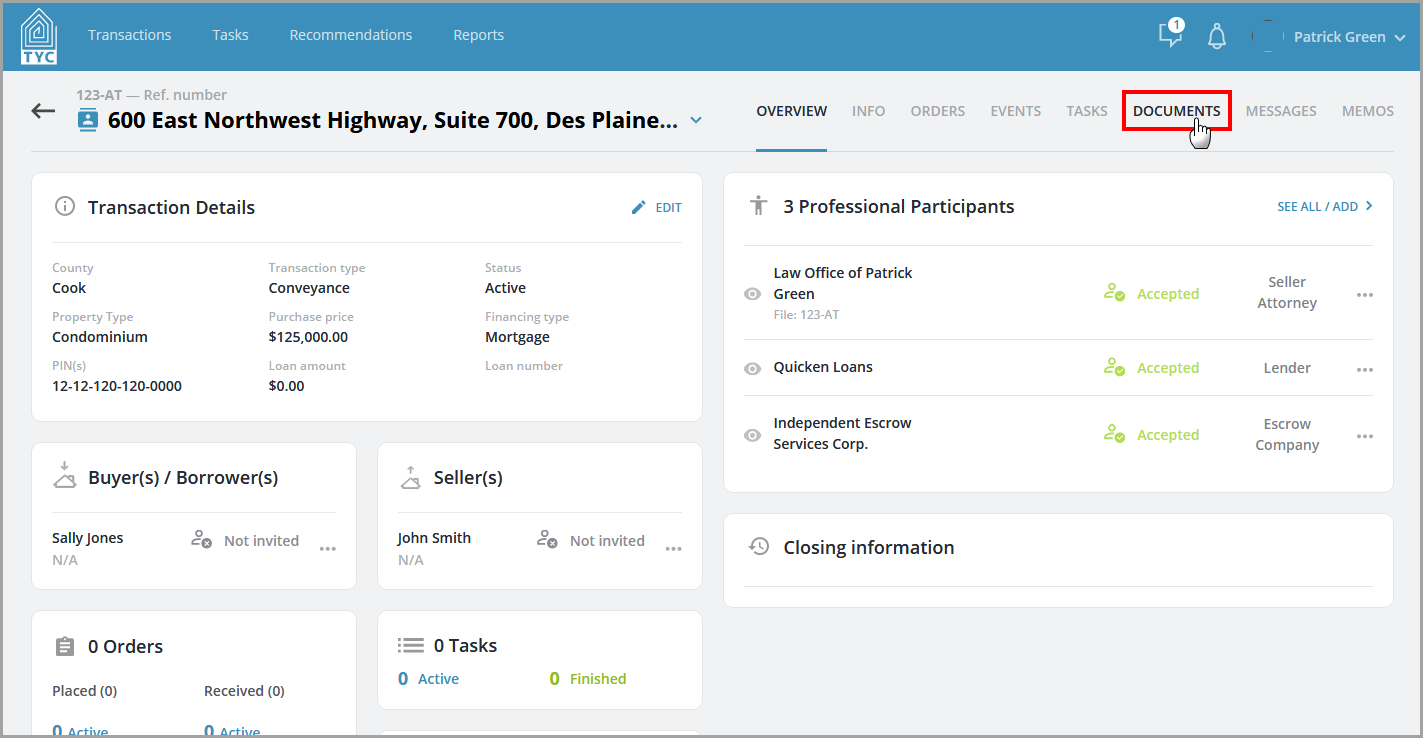
Navigate to the Documents section:
Select the documents you wish to merge together, and then click "Merge":

In the slider, choose a display name for the new merged document, select which folder to add it to (optional), and specify the sharing settings of the new merged document:

Lastly, click "Merge" and your merged document will appear in the documents list.
0 Comments