ADD A TEMPLATE TO A TRANSACTION
On the home page, select a Transaction:

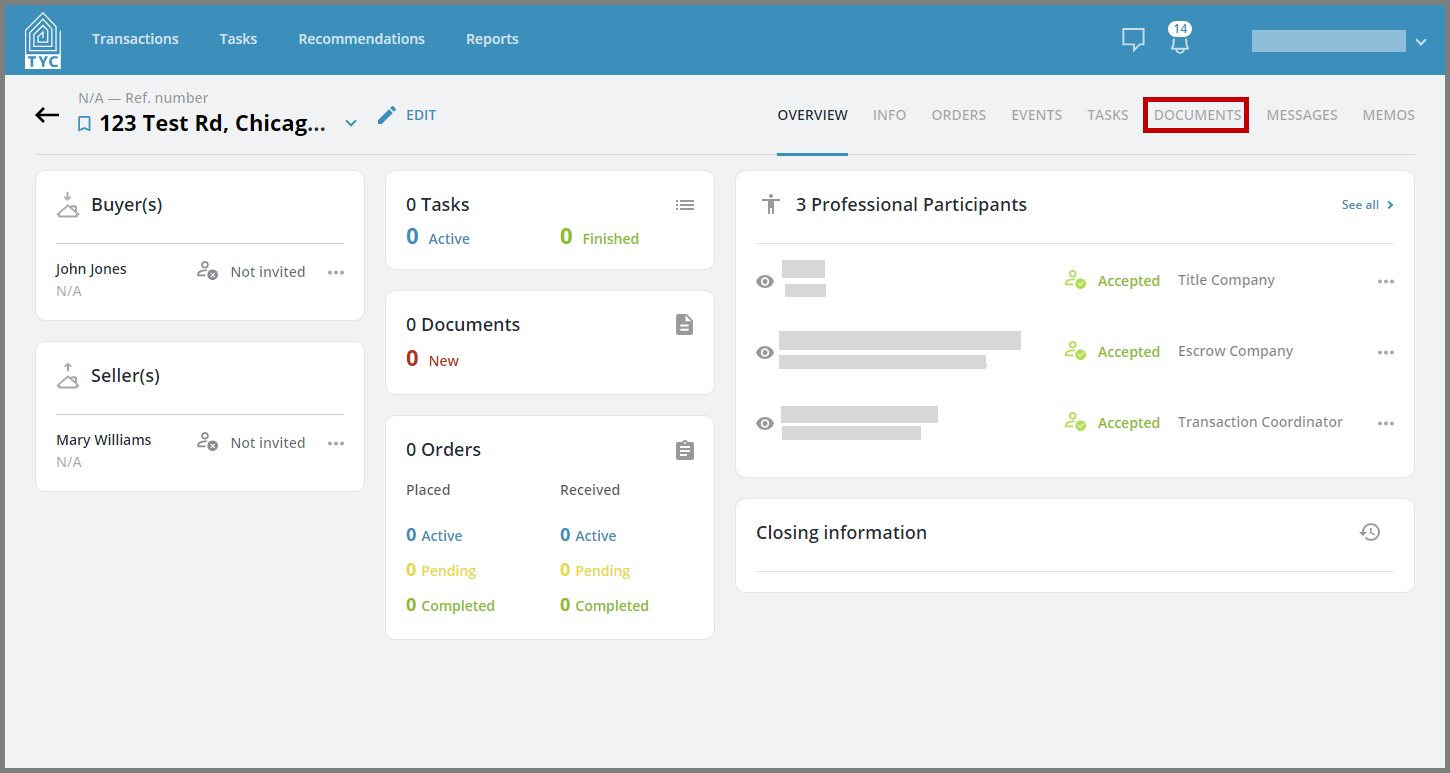
Navigate to the Documents tab:
Toggle to the Templates section and then click "Add Template", if you have sufficient permissions to do so:

Next, click the Template Name drop-down:

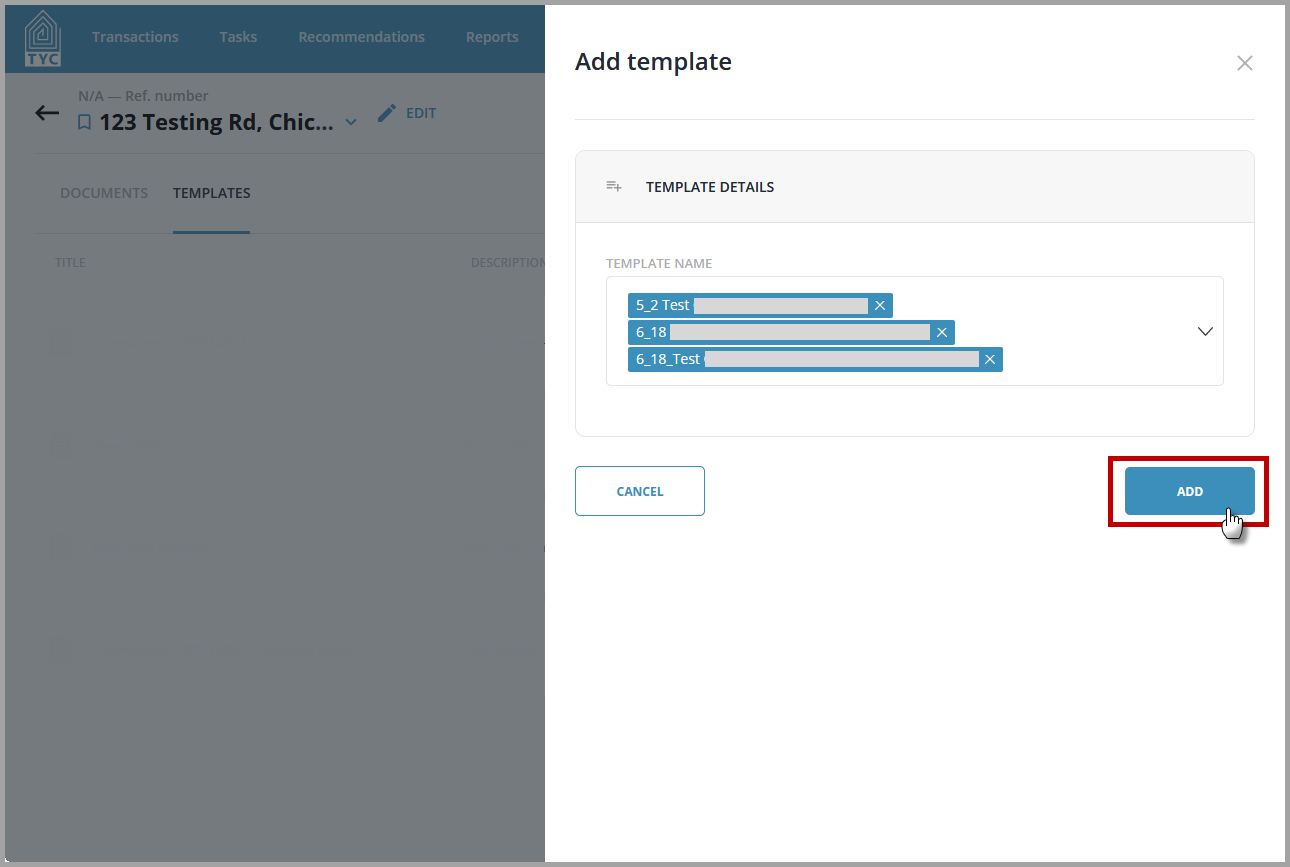
Now you will be able to select one or more templates to add to the transaction:

When you are done making your selection(s), click "Add" and they will be applied:
0 Comments