HOW TO EMAIL MULTIPLE DOCUMENTS
In this tutorial, you will learn how to e-mail one or more documents securely to a recipient outside of TYC.
First, choose a Transaction: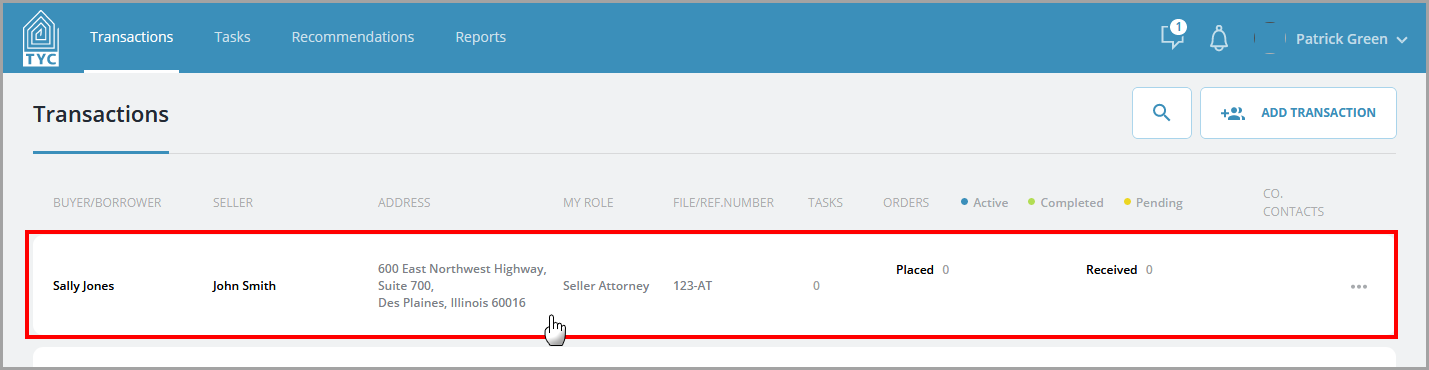
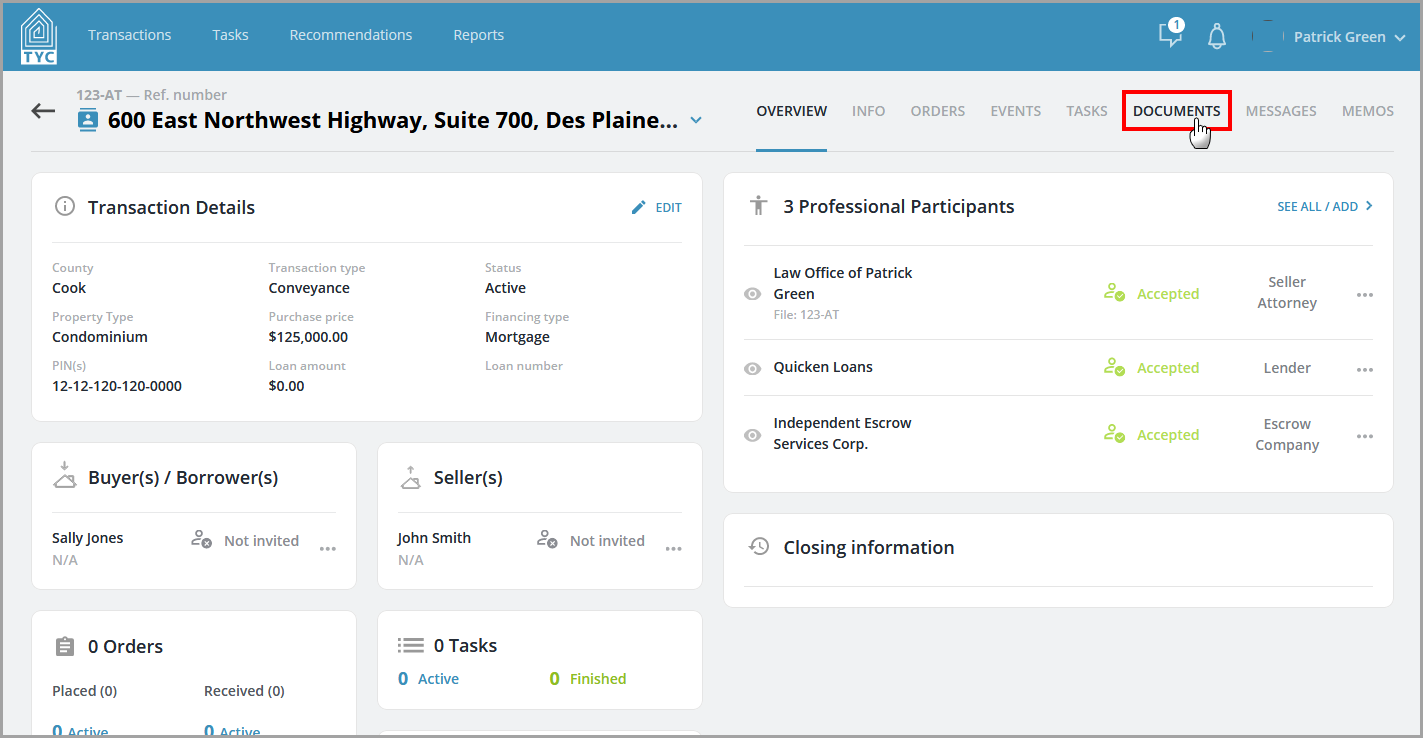
Next, click the Documents tab:
Within the Documents tab, check the box next to each document that you want to E-mail outside of TYC. Next click "Email" on the menu bar:

Enter in the e-mail address of the recipient, select a date of expiration, and click "Send":

Your recipient will receive a secure link via e-mail to view the document(s).
0 Comments