HOW TO SHARE MULTIPLE DOCUMENTS
In this tutorial, you will learn how to share one or more documents with one or more participants within a transaction.
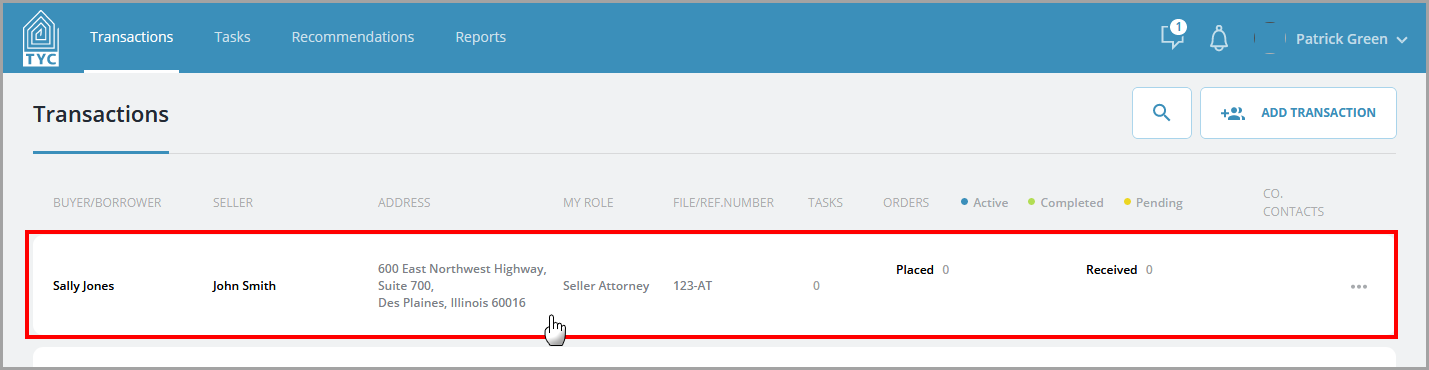
First, choose a Transaction:
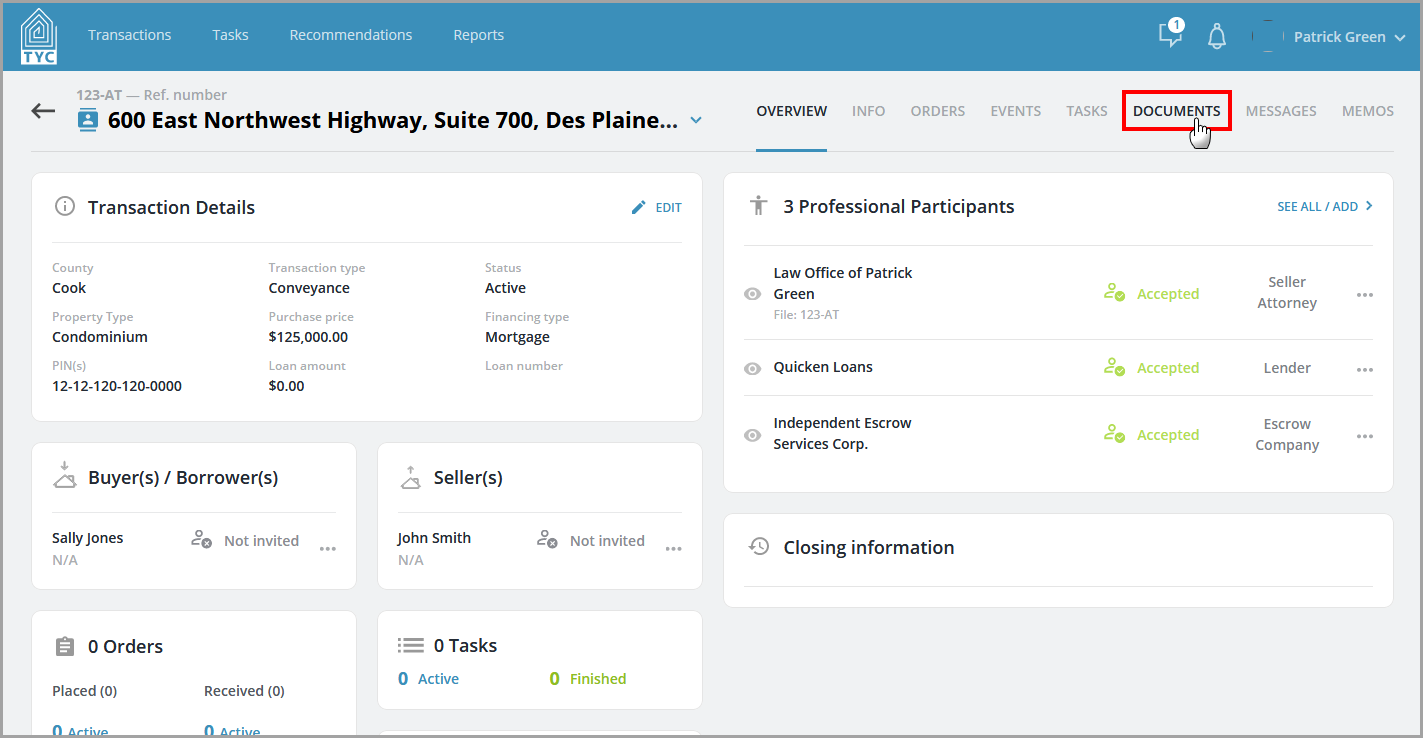
Next, click the Documents tab:
Within the Documents tab, you will click the box next to each document that you want to share. Next click "Add Recipient" on the menu bar:

Select the participant(s) you'd like to share the document(s) with in the drop-down and lastly click "Share":

The selected documents will be shared appropriately.
0 Comments