MOVE A TASK
In this tutorial, you will learn how to move a task to an existing workflow.
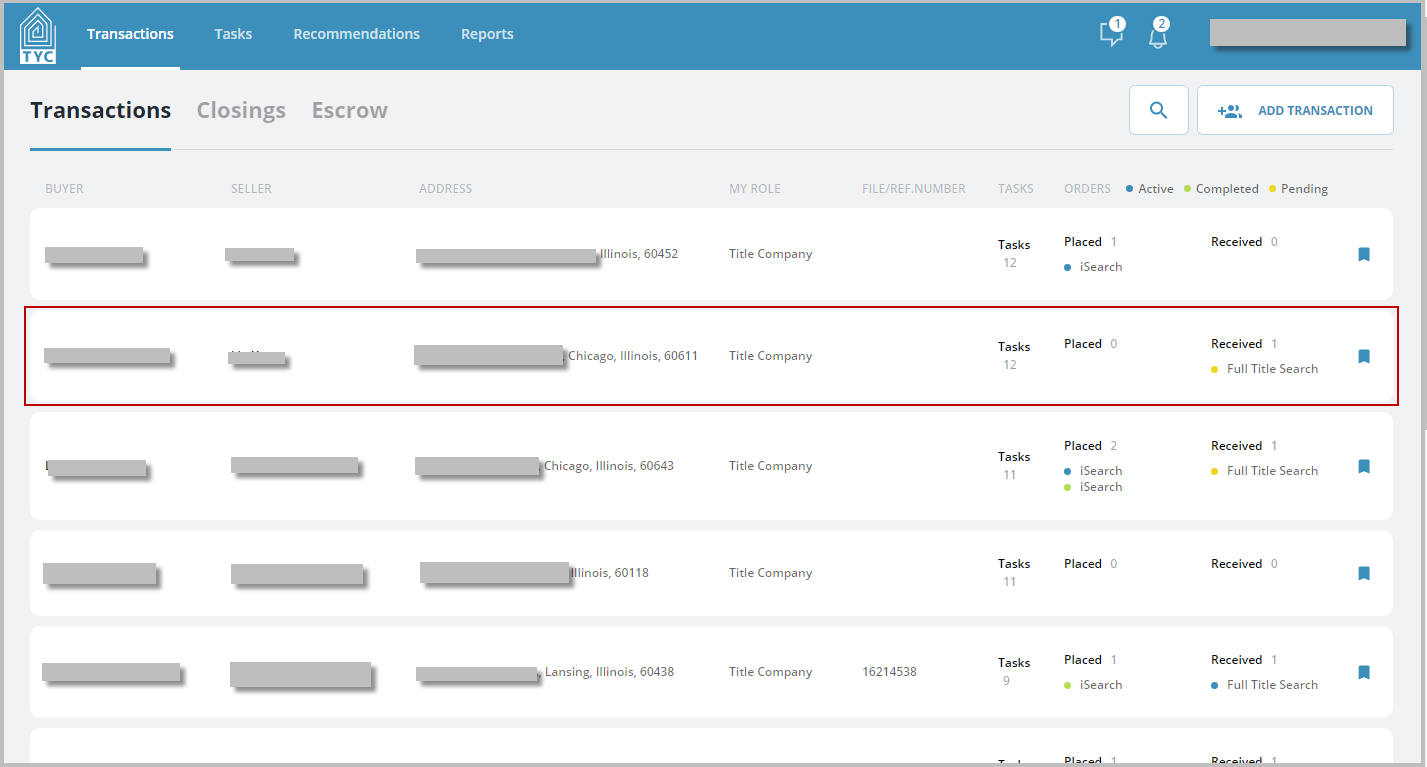
First select the transaction:
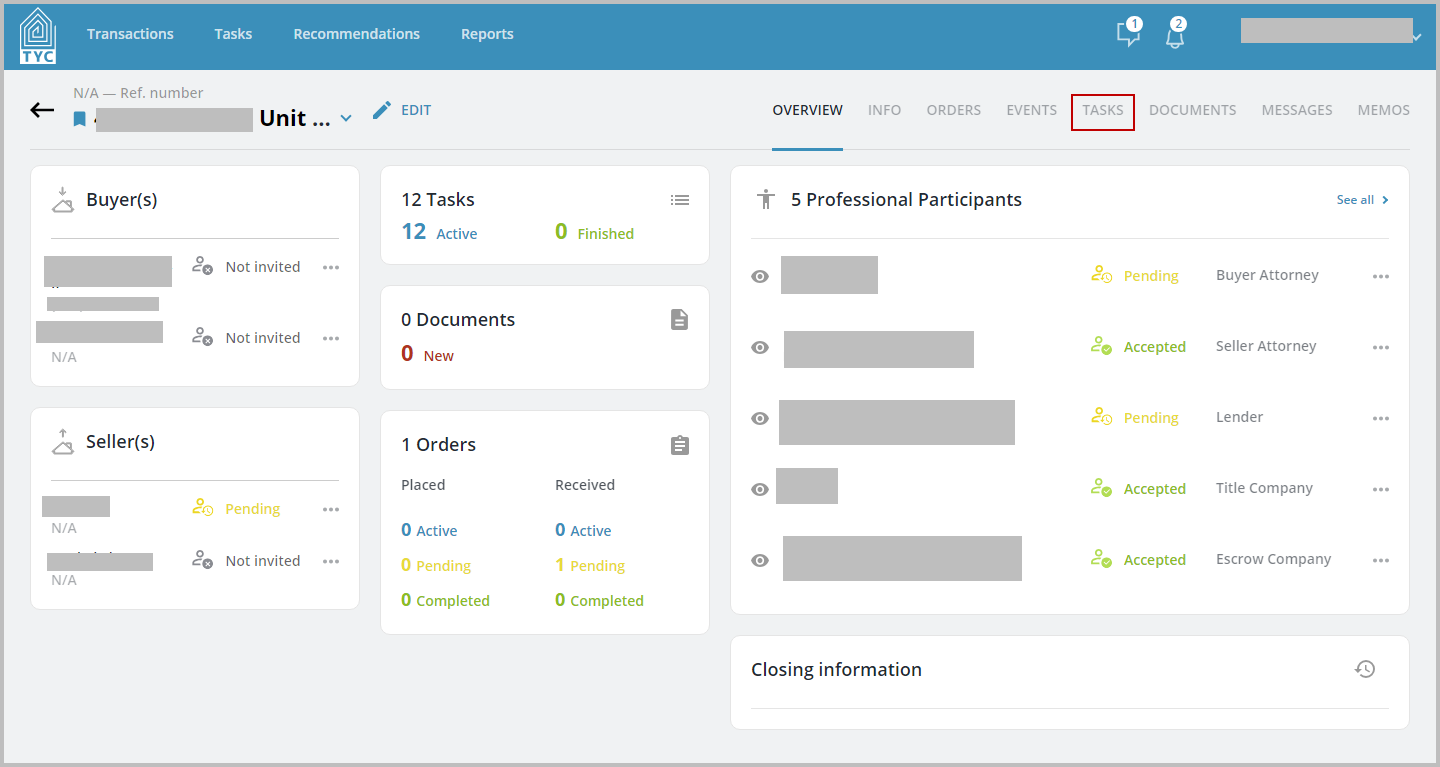
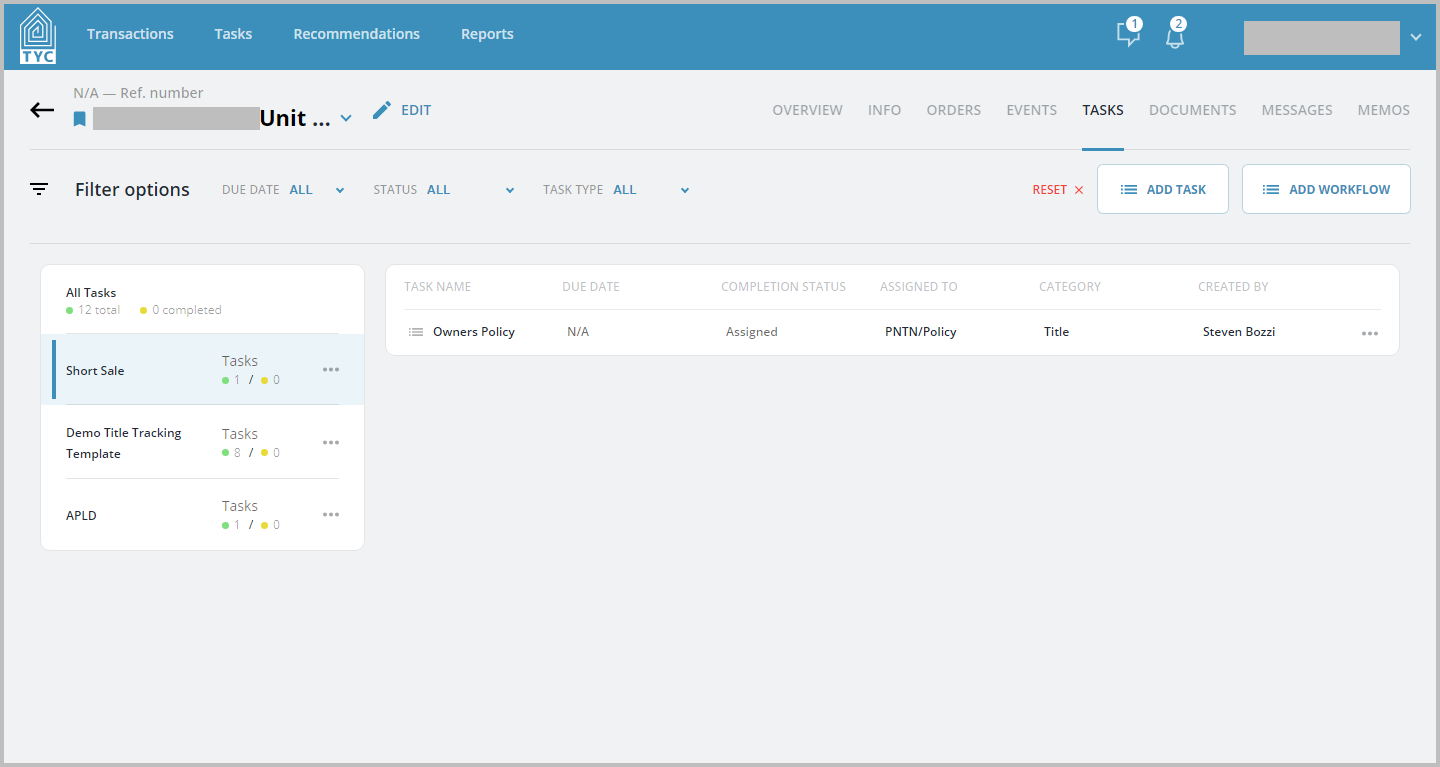
Now inside the transaction, click on the Tasks tab:
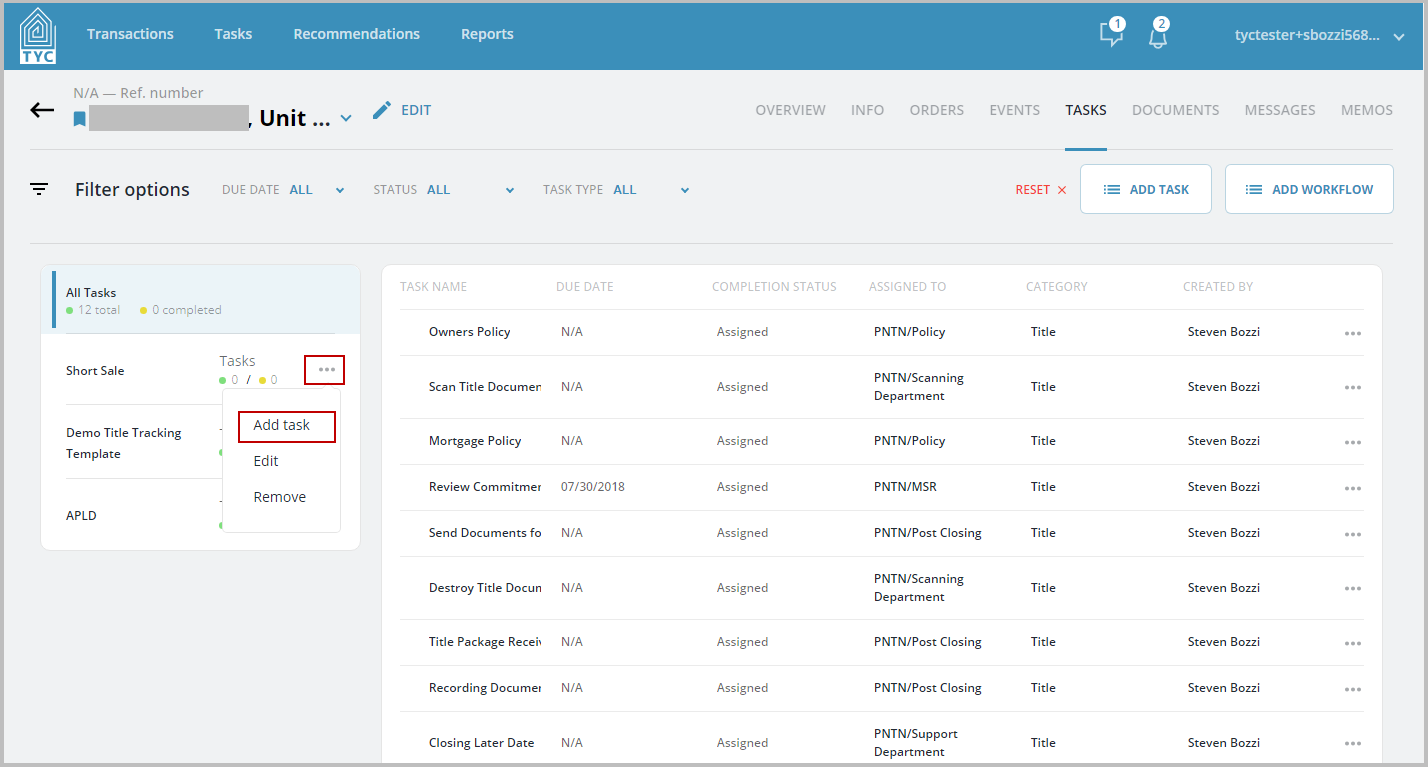
In the Task tab, click on the more options menu  for the workflow you would like to move the task to and click on "Add Task":
Now within the slider for adding task to a workflow, select what tasks you would like to move to the workflow. To complete the move of the task click the "Save" button at the bottom of the slider:
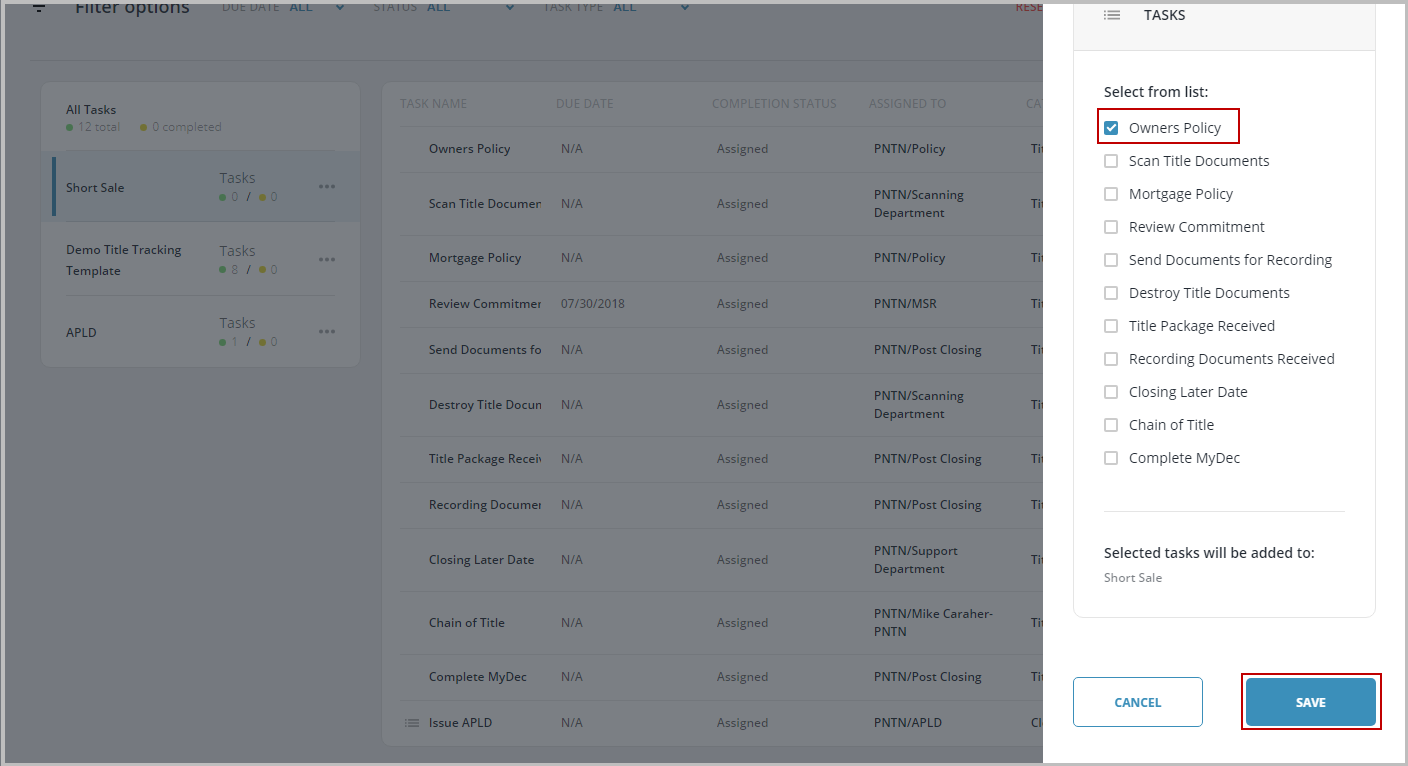
Now that you clicked save, you will be brought to the workflow you added tasks to:
0 Comments