SELECTING TRANSACTIONS
In this tutorial, as a Buyer/Seller you will learn how to select different transactions you are a apart of.
Within this transaction, click on the "My Properties" drop down menu located on the top of the screen:
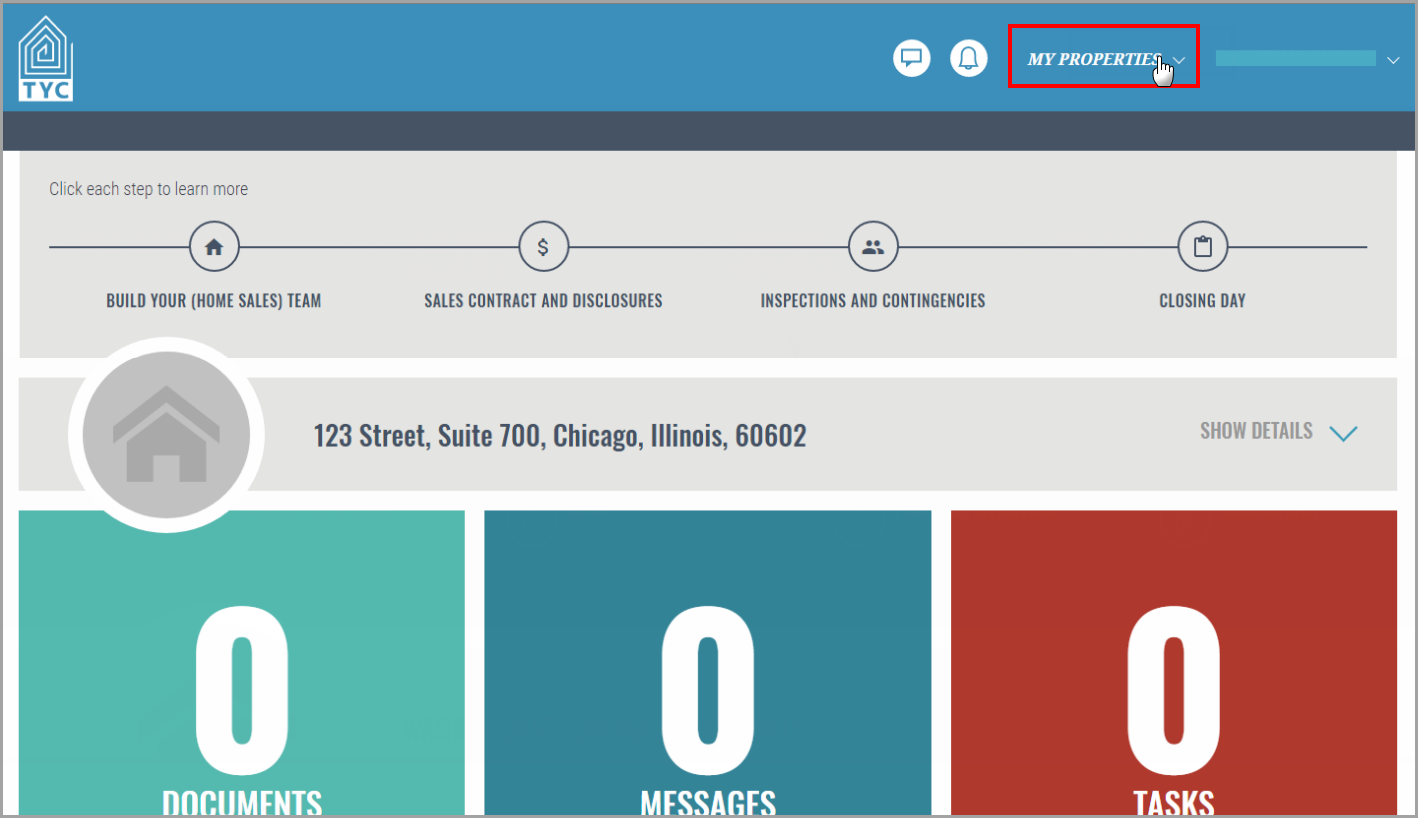
Now a drop-down list will appear, and you can click on the transaction you would like to view:

0 Comments