ADD A TASK
In this tutorial, you will learn how to add an internal task to a transaction. An internal task is one in which you may assign it to anyone listed in your company. (If you would like to create an External Task, one in which is assigned to another company, you may see this article).
On the transaction section, choose the transaction you would like to add a task to:

Now click on the Tasks tab:

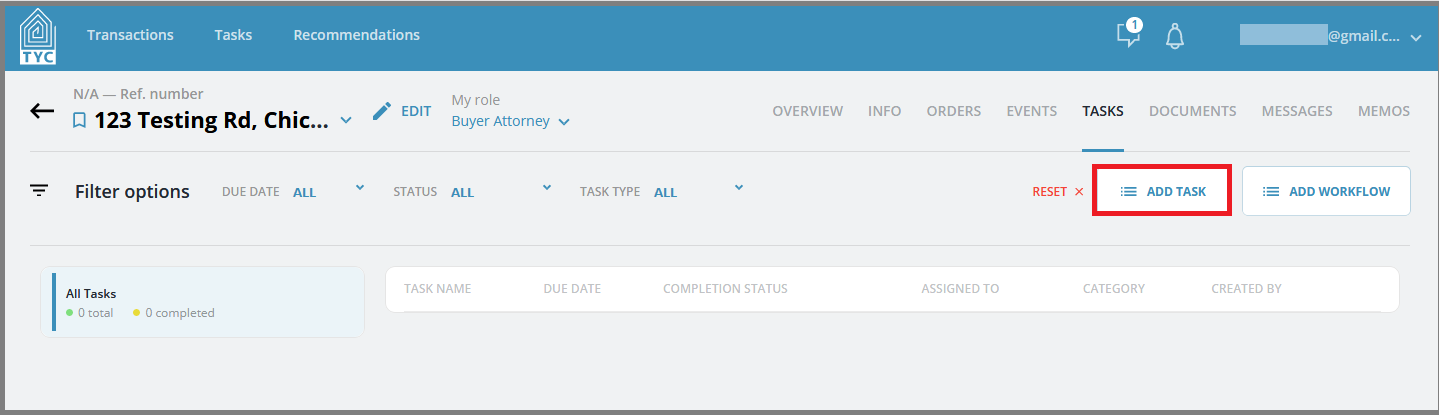
On the Tasks tab, click the "Add Task" button to begin creation of new task:
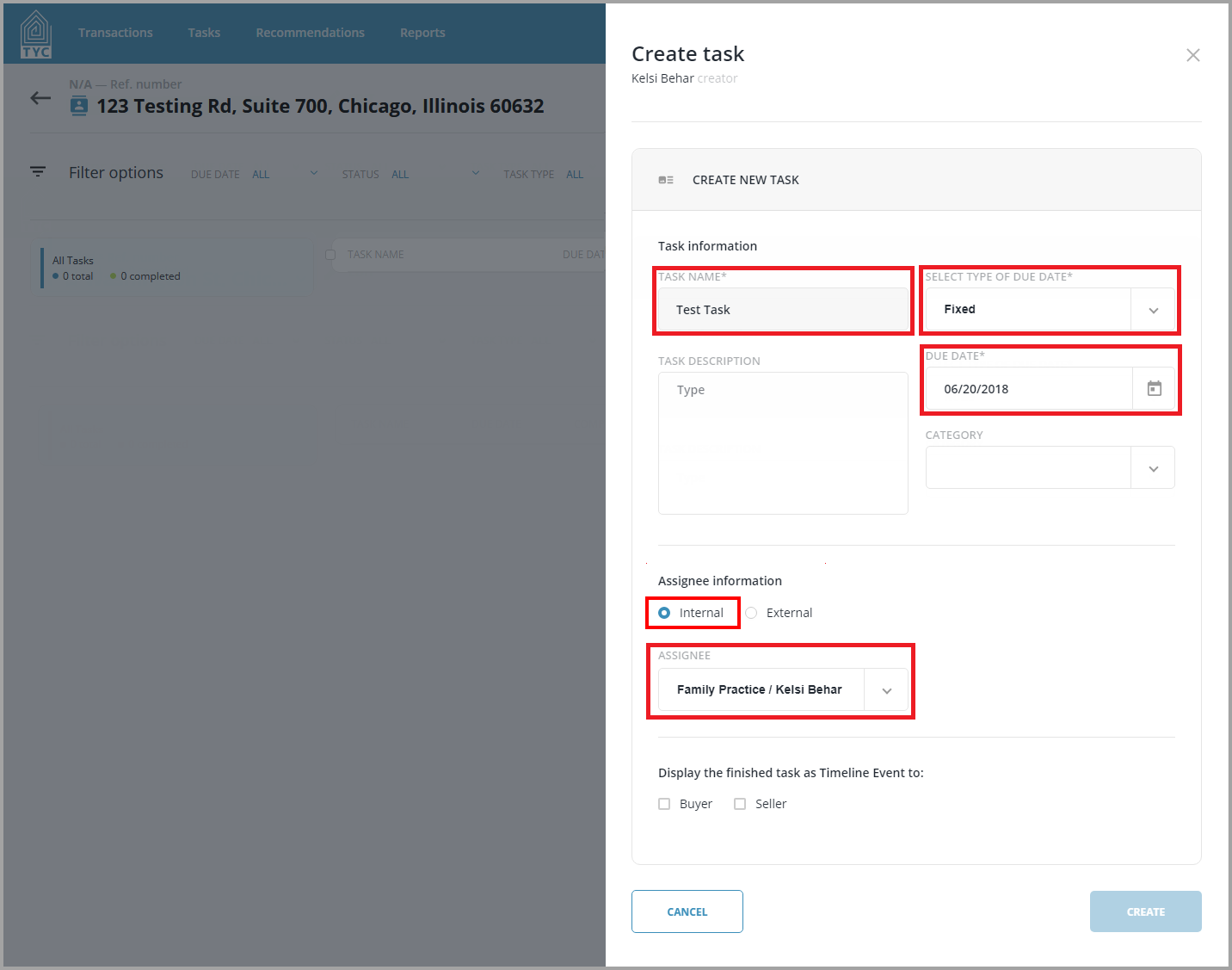
On the Create Task slider, fill in all of the required fields:
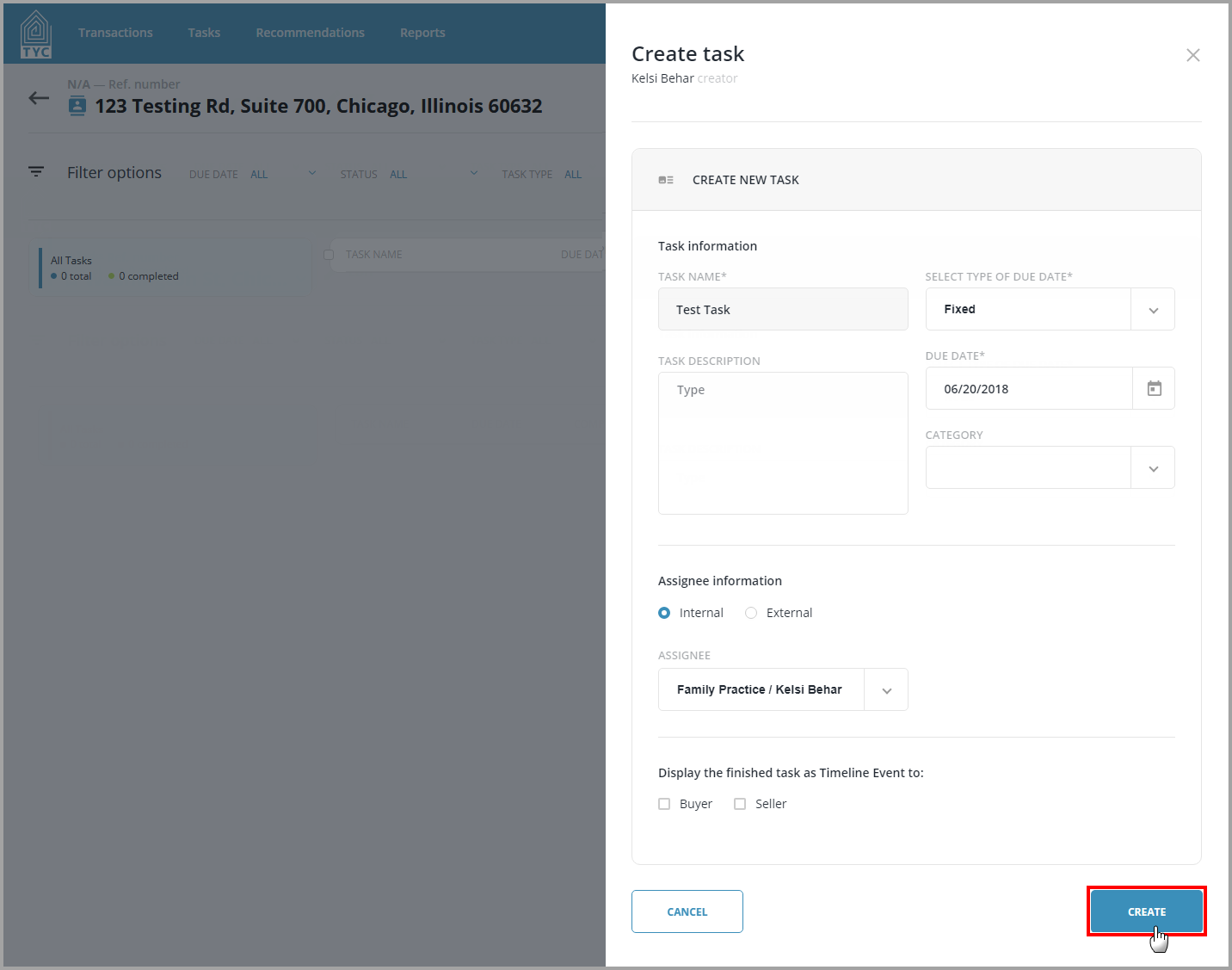
Lastly, with all requirements filled out you may click on the "Create" button to create your internal task:
0 Comments