CREATE AN INCOMING PHONE/FAX ORDER
On the Transaction section, select the transaction the order is for:

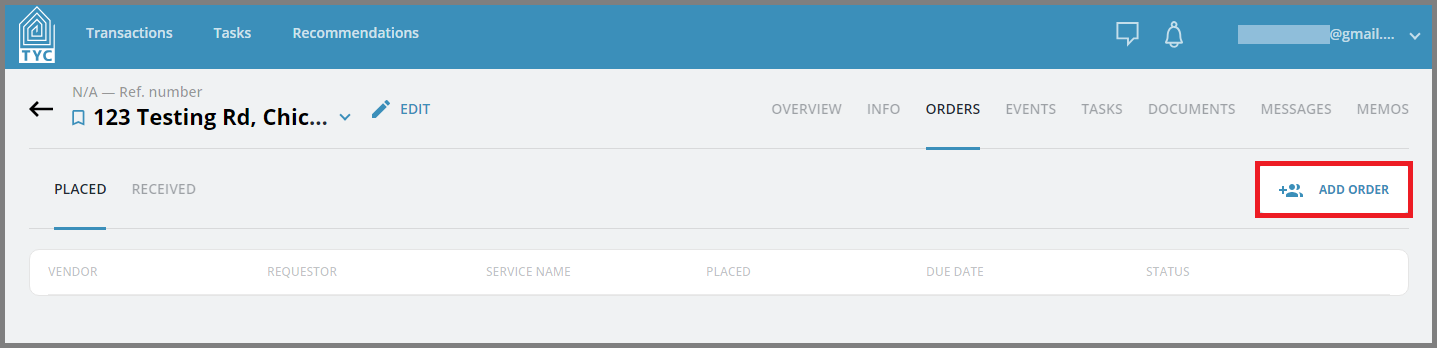
Now click on the Orders Tab in the transaction section:

Click on the "Add Order" button:
On the Create Order slider, check the "Incoming phone/fax order" checkbox. Then, select the requestor you'd like to place the order on behalf of, or to add a requestor, you can click "Add Requestor":

Search for the participant and select their role type. Then click "Add":

Next, select the type of service they requested, a due date, internal due date, and an assignee within your company. With remaining fields filled, click on "Create" to enter the received order, or you may "Add Another Order" at this time:

Finally, with the order created, you will find your order in the received order section for your transaction:

0 Comments