SCHEDULE A CLOSING
In this tutorial, you will learn how to schedule a closing event for a transaction.
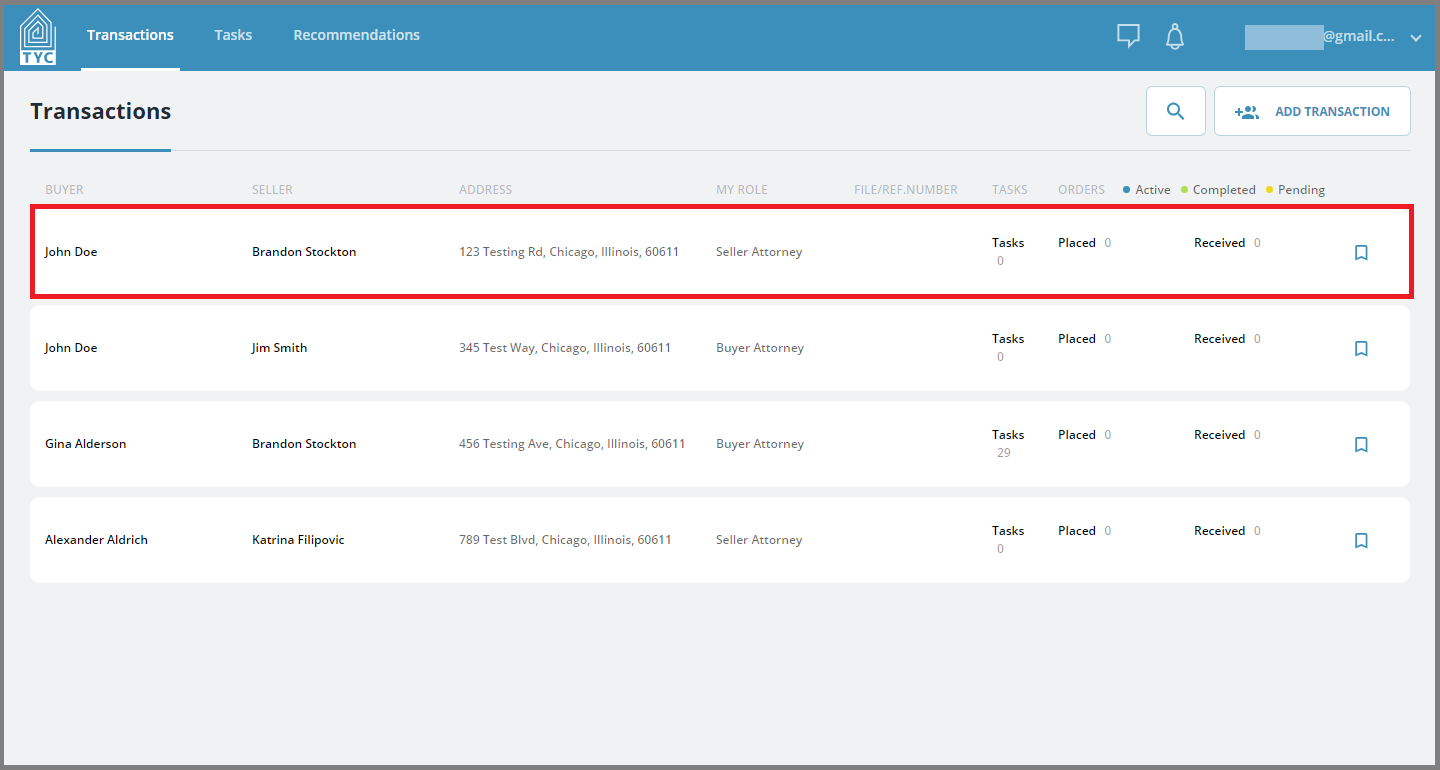
On the transactions page, select the transaction you would like to schedule a closing for:
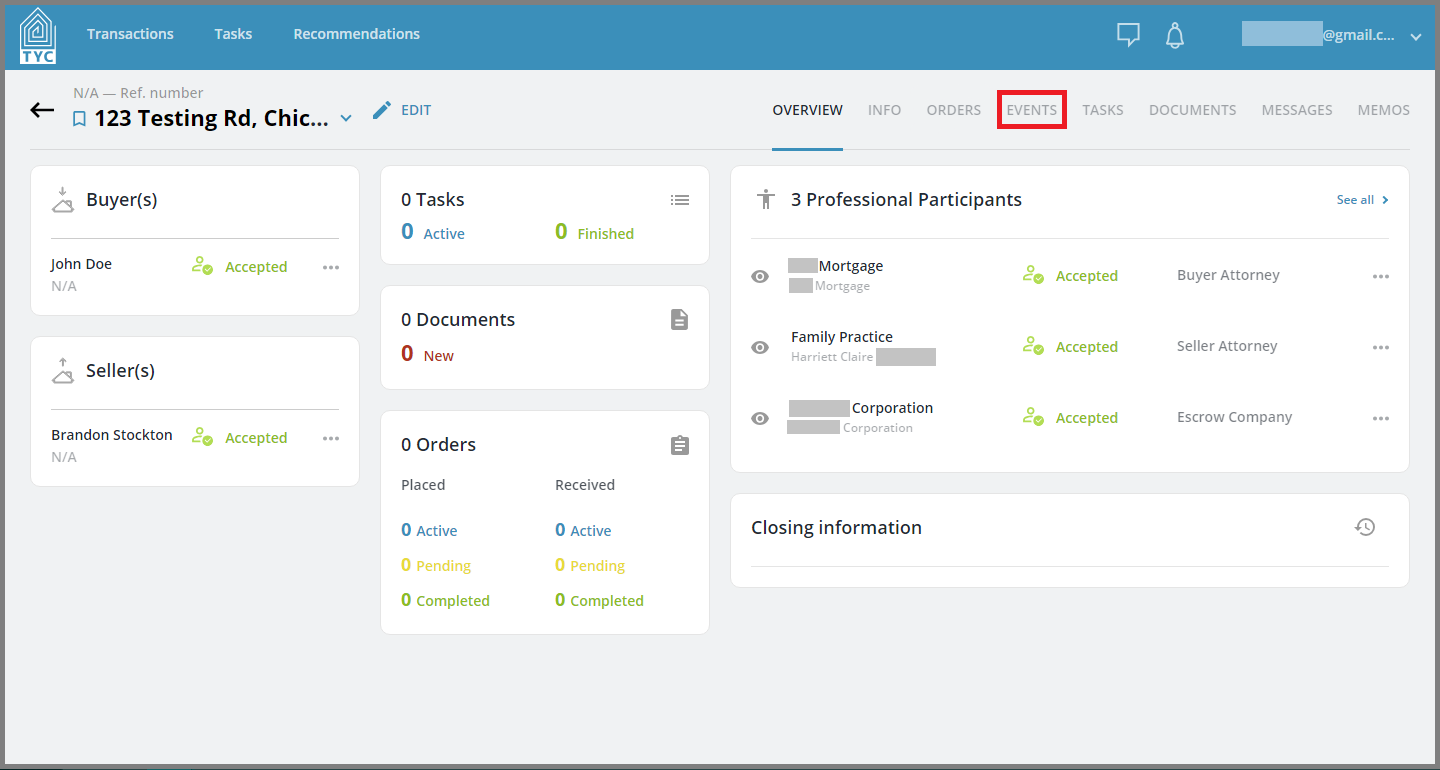
Within the transaction, navigate to the Events tab:
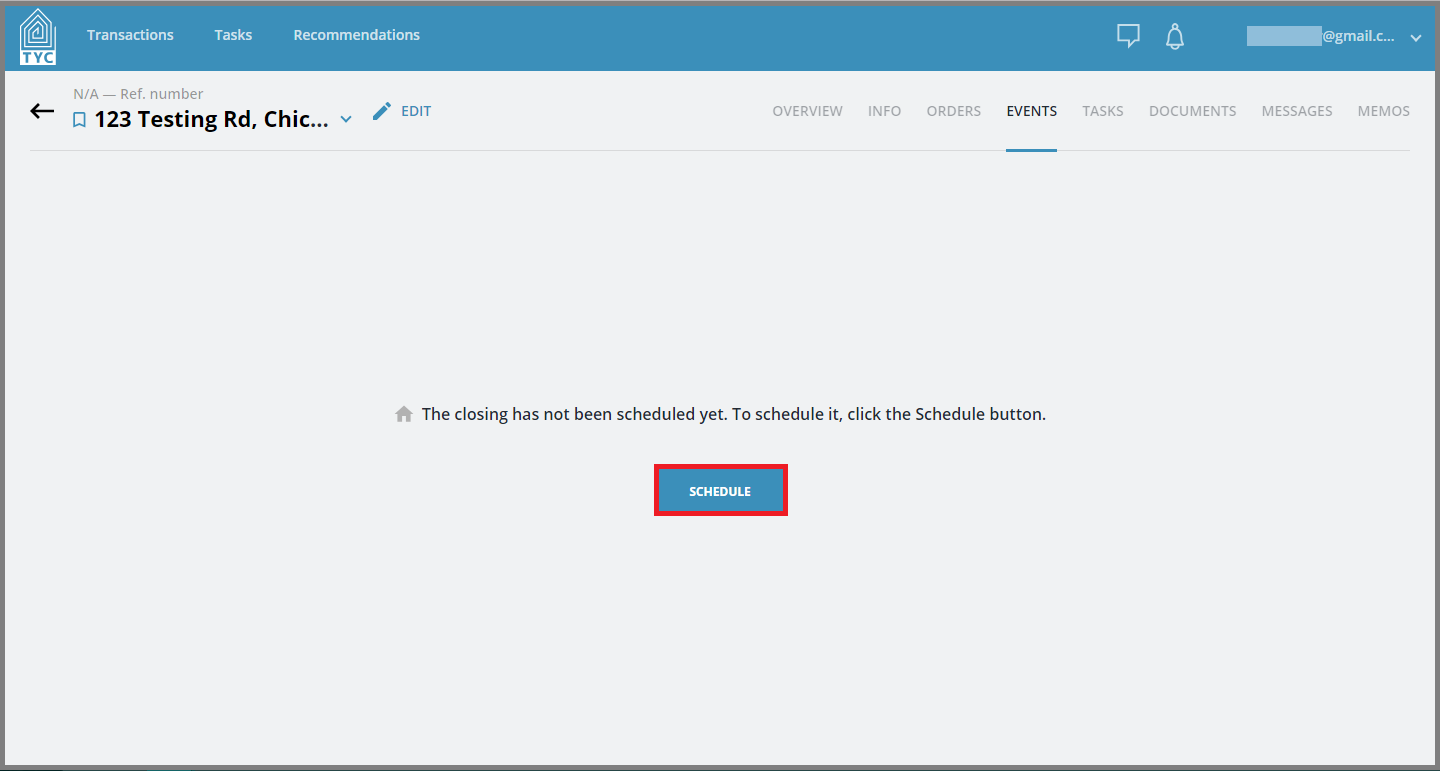
If the closing hasn't already been scheduled, press the "Schedule" button to begin the scheduling process:
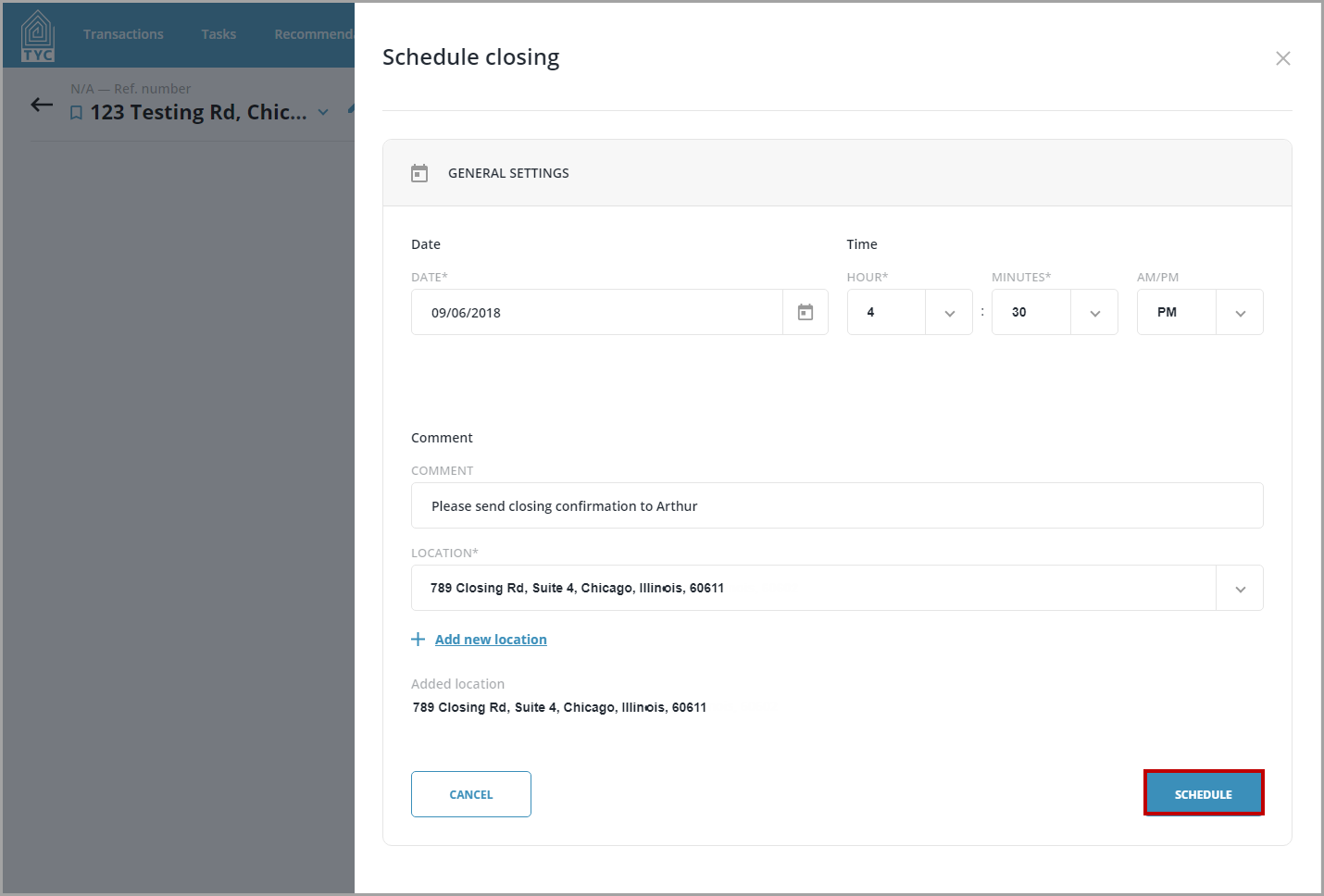
Fill in the appropriate fields. When selecting a location, you have the option to add a new location. Press "Add New Location" to do so. You may also leave a comment in the comment field. Press the "Schedule" button to send your proposal to the escrow company for approval:
The closing will now appear as Pending and you will be notified if the status is changed by the Escrow company:

0 Comments