INVITE A NEW SERVICE PROVIDER
In this tutorial, you will learn how to Invite a Service Provider to join TYC. Once a Service Provider has joined TYC, they have the ability to be publicly searchable by users who are looking for services in their area. You can also add the service provider to your Trusted Network and write a Review for them.
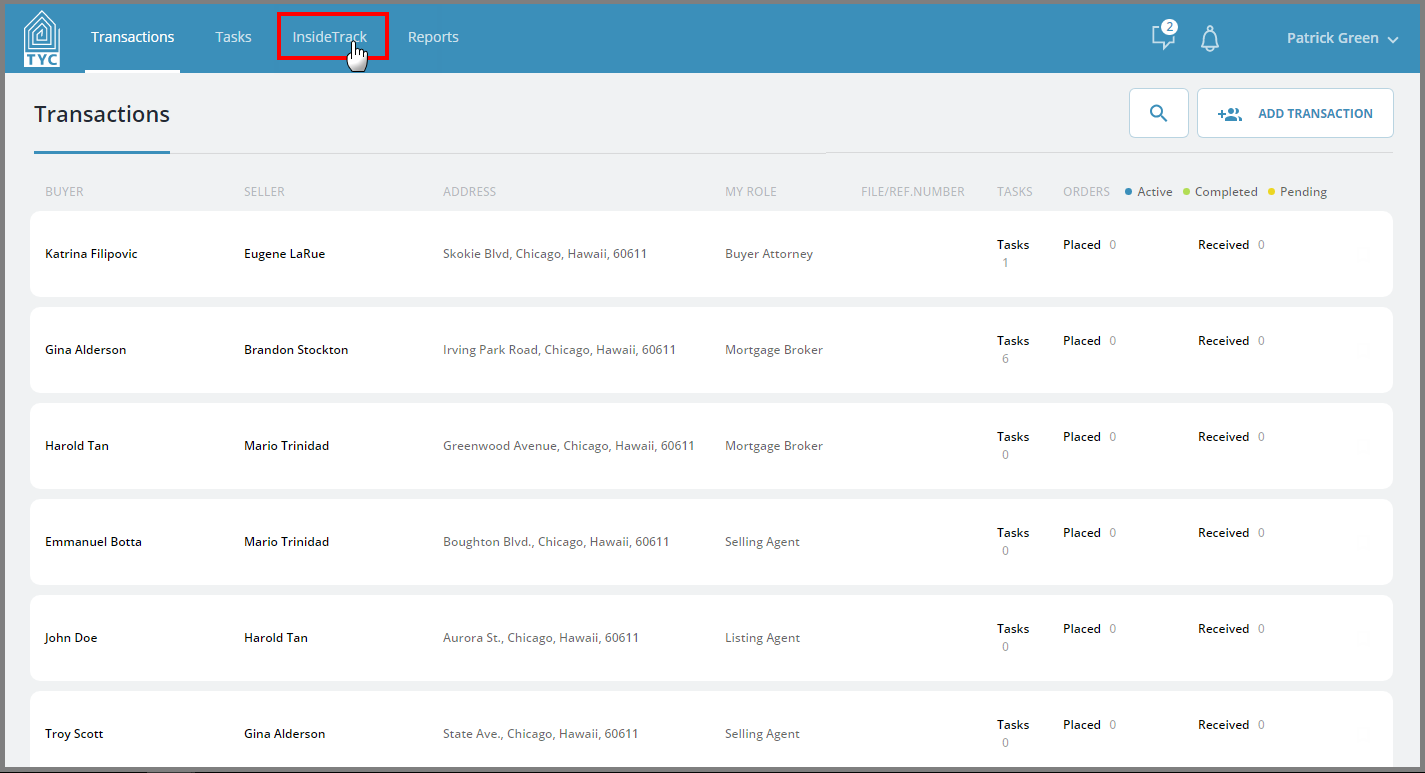
On the TYC homepage, click the "InsideTrack" tab:
Next, click on “Search Service Providers” :

To invite a new service provider, click on the “Invite Service Provider” button:

Fill in the boxes with valid information (Required fields are shown with an asterisk(*). Optionally, you may add the company to your trusted network and/or add a review for them:

Your invitation will then be sent.
Once the invited user signs up for a TYC account, the review will appear in your placed reviews section. If you added them to your Trusted Network, they will appear on your personalized landing page.
More information about TYC's Trusted Network feature can be found here: What is My Trusted Network?
0 Comments